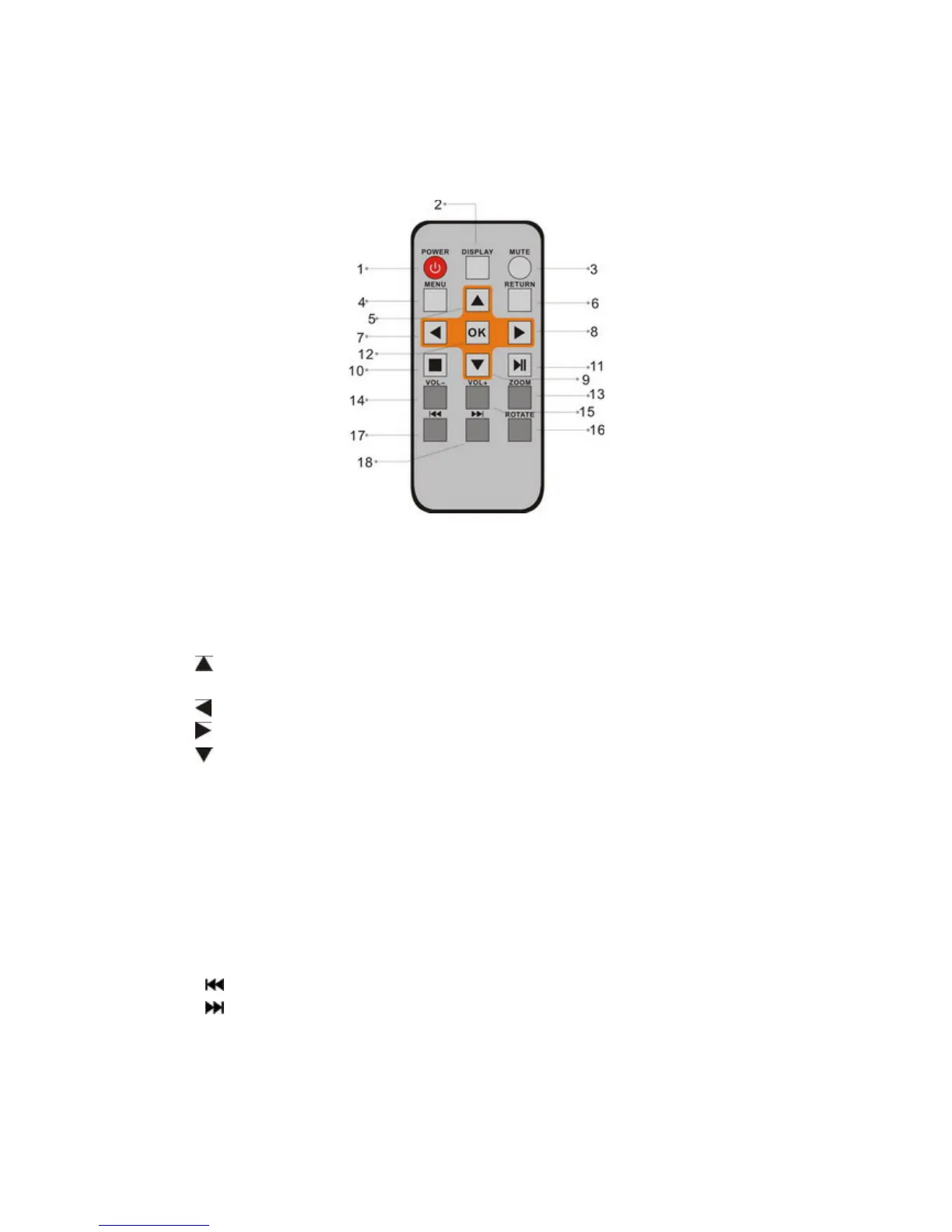
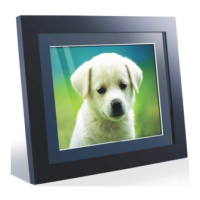
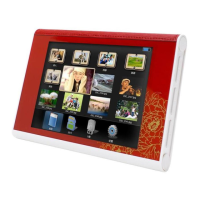
1 Product Diagram
1.1 Remote Control
1. POWER─ Turn on/off
2. 16:9/ 4:3─ Change picture display in these two ratios
3. MUTE─ Press this button to silence the voice temporaril
y.
4. MENU─Press to enter “Info Bar” when playing pictures or videos, or show
the menu for copy / delete function in file interface.
5. ─ Functional selection button from the bottom to the top cursor.
6. RETURN─ Return to upper page
7. ─ Functional selection button from right to left cursor
8. ─Functional selection button from left to right cursor
9. ─ Functional selection button from the top to the bottom cursor.
10. SETUP─ Enter to the setup menu.
11. BGM─ Press this button, slideshow will play with background music.
12. OK─ Press to confirm; Play/pause: Press OK directly to begin playback
under stop or pause status, and repress it, it will pause again.
13. ZOOM─ In single picture mode, magnify picture display size.
14. VOLUME- ─ Turn down the volume
15. VOLUME+ ─ Turn up the volume
16. ROTATE: In single picture mode, press to revolve the picture 90° in
clockwise
17. ─ Move back to previous picture, music or video file
18. ─ Move forward to next picture, music or video file


 To Next Page