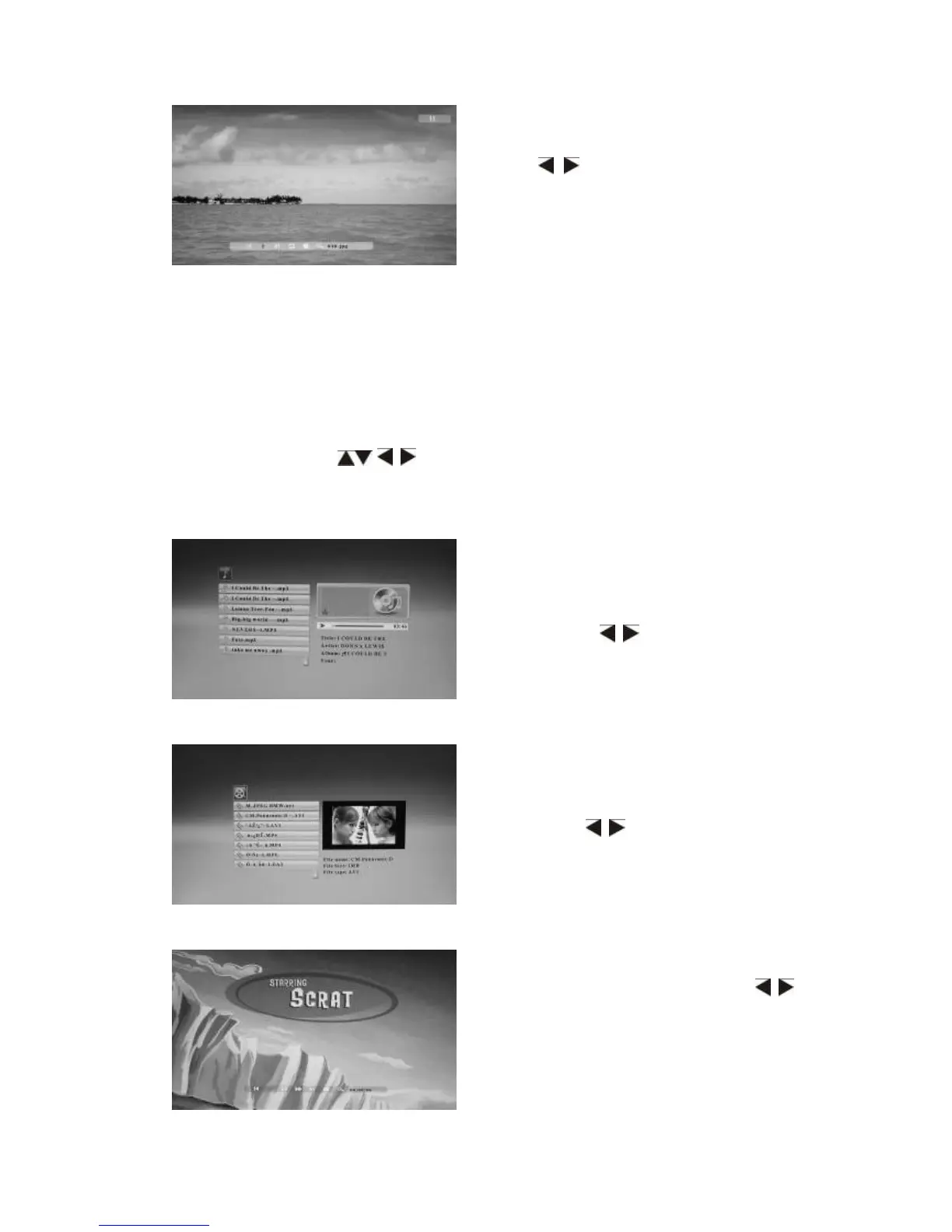
The functions in the Info bar from left to right as follows:
Previous-Move back to previous picture
Play/pause.
Next-Move forward to next picture
Rotate- Press this button,the picture will revolve 90°in clockwise each time.
Return-Press this button,you can browse all the pictures in thumbnail mode
Zoom- When zooming the picture, press MENU to hide "info Bar", then picture
can be moved using / .
File name (no operation )
4.3 Music Mode
4.4Video Mode
When the picture is playing, press
MENU to enter “Info Bar” and then
press to choose. Press OK to
operate.
Press RETURN to choose USB-C/
Card (SD/MMC/MS/CF/XD) in the main
menu. Press OK to Music or File
interface, a list of music files will be
shown. Press to select the music
you want to play from the playlist, press
OK to play.
Press RETURN to choose USB-C/
Card (SD/MMC/MS/CF/XD) in the main
menu. Press OK to Video or File
interface, a list of video files will be
shown. Use to highlight the video
you want to play from the playlist, and
you can preview the video with detailed
information on the right, press OK to
play.
When the video is playing, press MENU
to enter “Info Bar” and then press
to choose. Press OK to operate.


 To Next Page