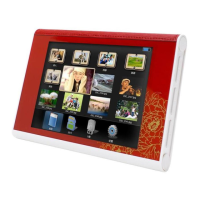
The functions in the Info bar from left to right as follows:
Previous-Move back to previous video
Fast Rewind.
Play/pause.
Next-Move forward to next video
Fast Forward.
Return-Return to the video playlist
Zoom- When the video is playing, press Zoom and then press MENU to hide
"info Bar", then video can be moved using / .
Display playback times(no operation )
4.5 File
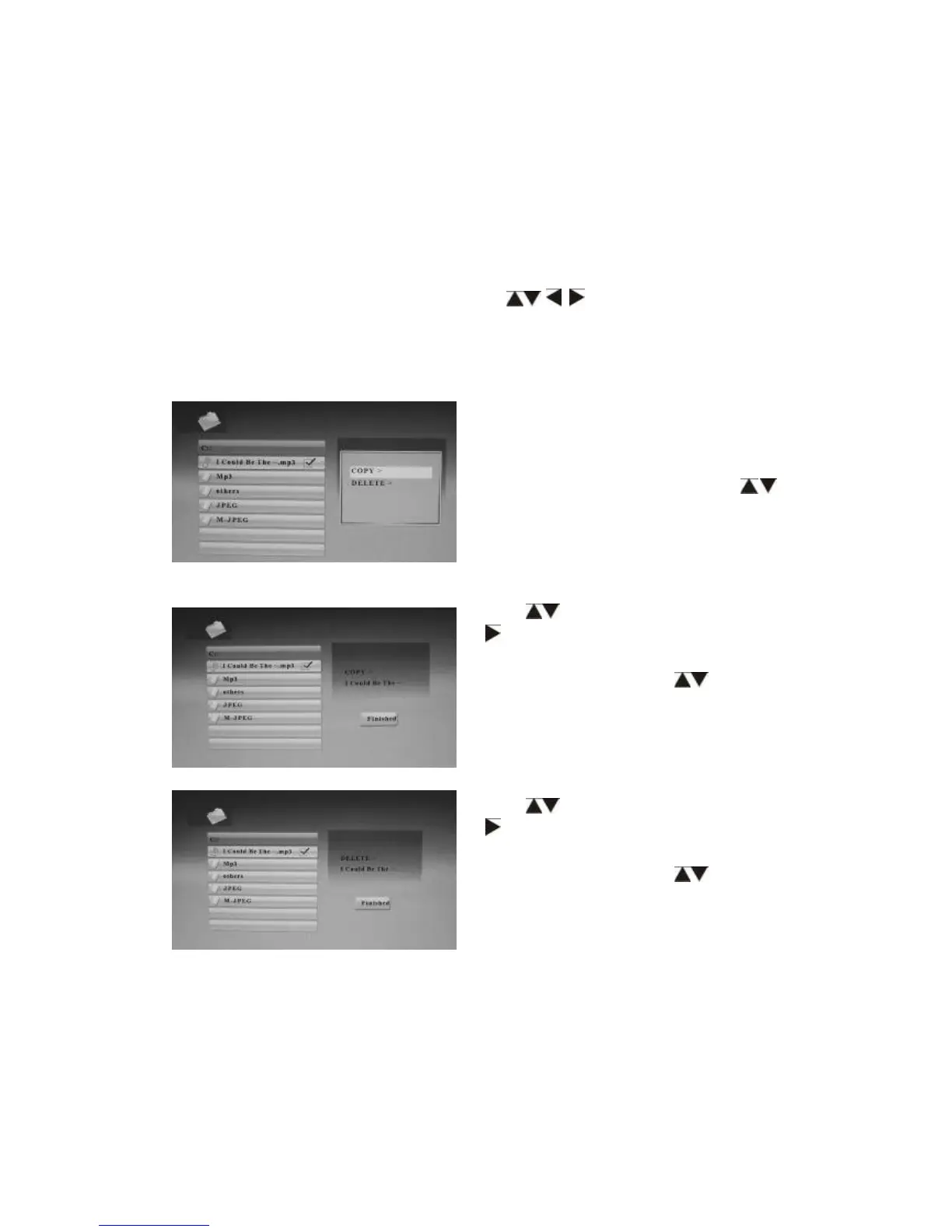
Copy and Delete Operation
Press RETURN to choose USB-C/
Card (SD/MMC/MS/CF/XD) in the main
menu. Press File, and then press OK to
access to file interface. Press to
select. You can browse all the files in
the memory card.
Use to highlight the file, then press
, a single √
√√
√will appear on the right.
Press MENU to show the file function
operation items. Press to access
to copy function. After copying it, it will
show Finished.
Use to highlight the file, then press
, a single √
√√
√will appear on the right.
Press MENU to show the file function
operation items. Press to access
to delete function. After deleting it, it will
show Finished.


 To Next Page