PROGRAM PLAY OPERATION
Program operation during CDDA, VCD and DVD playback
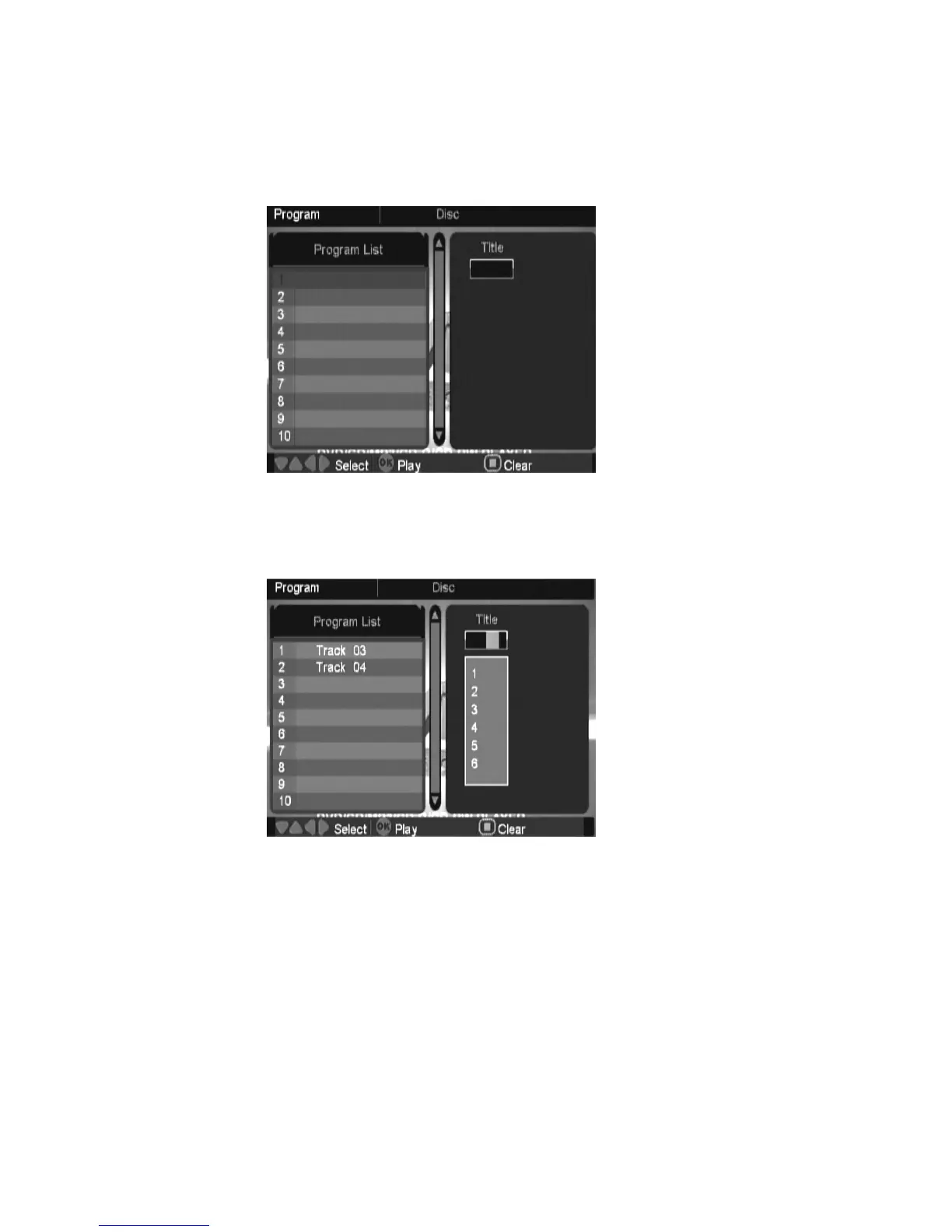
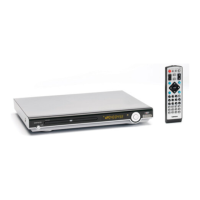
Press PROG button (hold for more than 1.5s) during CDDA/VCD/DVD playback, system will
bring out program menu as below.
Press up/down button to move highlight in program list for add/delete operation, press right
button then select which track/title you want to add into program list, or press stop button to
remove the highlighted item from program list. Press OK button to start play highlighted item.


 To Next Page