SYSTEM SETUP
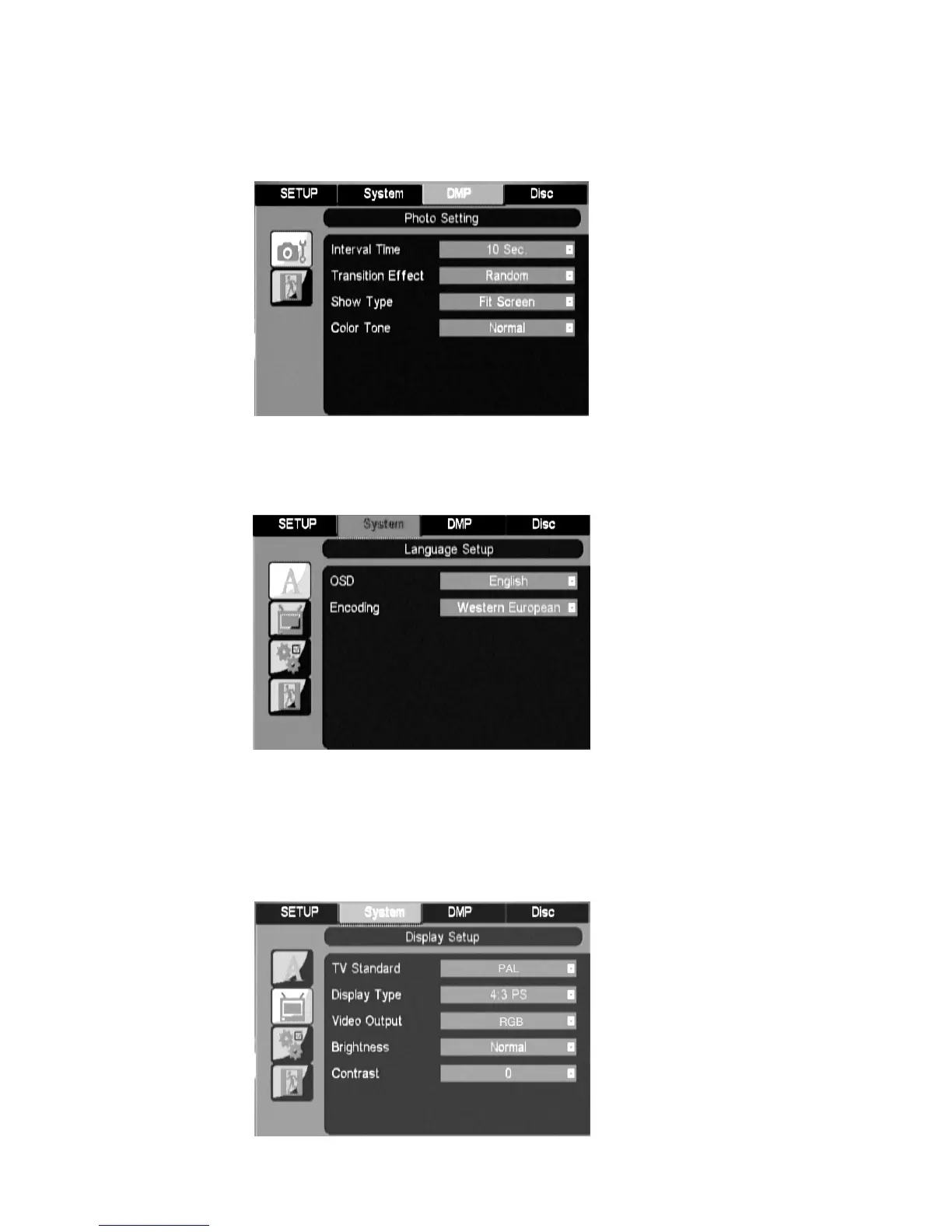
Press the SETUP button on the remote control, the SETUP MENU will be displayed.
There are three pages named System, DMP and Disc on top of setup menu, press
Left/Right button to switch among them, then press Down button to select items you
want to set.
1. System Menu
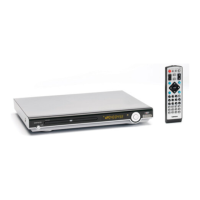
1.1 System Language Setup
OSD
Use this item to select the language of the setup menu and screen display.
Encoding
Set correct value to support external subtitle in different language.
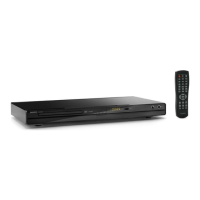
1.2 System Display Setup


 To Next Page