EasyManua.ls Logo

LENCO LED-2423BK - Standby Notifications; TV Control Switch & Operation

LENCO LED-2423BK
Print Icon
To Next Page IconTo Next Page
To Previous Page IconTo Previous Page
Loading...
English - 4 -
Features
 
    

        

 
 
       

 
 Teletext
 
 
 
 
 
 
 
 
 
 
 
 
 󰀨
 
 
Accessories Included
 
 
 
 
 
 


an     or 3 mi   

TV switched to stand-by
mode automatically because there was no signal
for a long time.”
 Auto TV OFF  Settings>System
>More 
󰀨

  

TV
switched to stand-by mode automatically because
no operation was made for a long time.” 



Yes
OK
No OK
Auto TV OFF
   Disable and
OK

Auto TV OFF
Settings>System>More
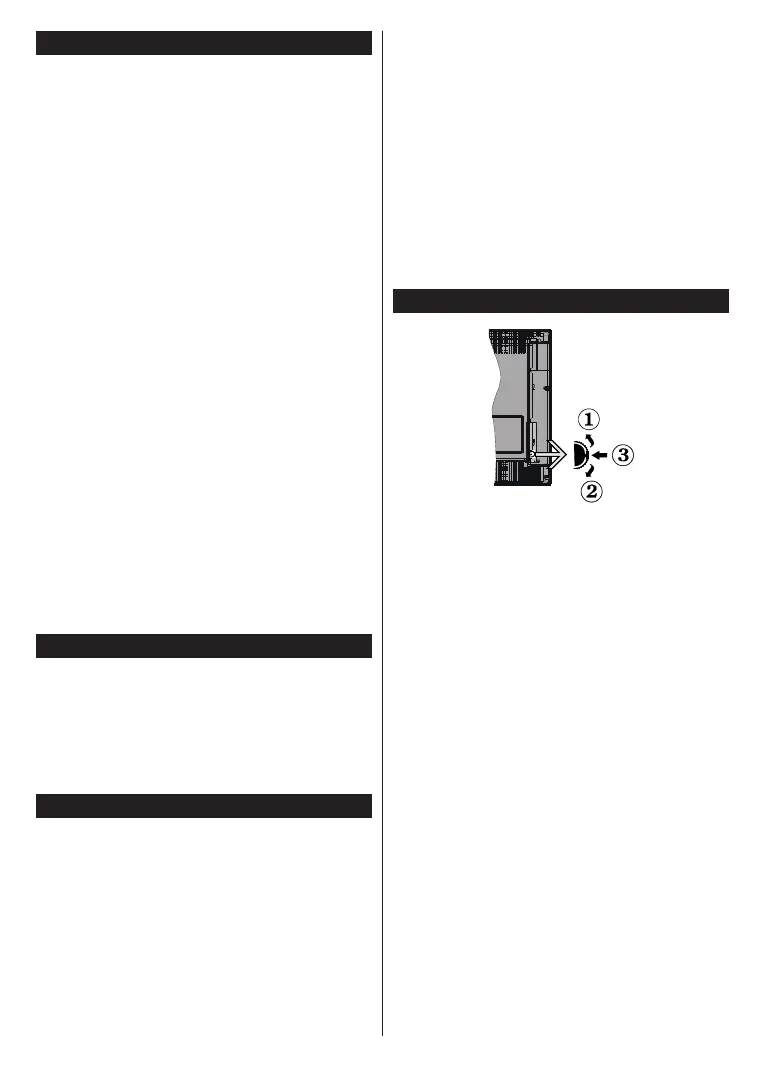
TV Control Switch & Operation
1. 
2. 
3.        




To change volume:
 

To change channel:

      

To change source:

       

󰀨


To turn on the TV:

Notes:
If you turn the TV o, this cycle starts again beginning with
the volume setting.
Main menu OSD cannot be displayed via control button.

Table of Contents

Related product manuals