EasyManua.ls Logo

LENCO LED-2423BK - Media Browser

LENCO LED-2423BK
Print Icon
To Next Page IconTo Next Page
To Previous Page IconTo Previous Page
Loading...
English - 12 -
Watching Recorded Programmes
 Recordings   TV  
      
OKOptions 
OK
Note: Viewing main menu and menu items will not be available
during playback.
Stop
Recordings.
Slow Forward
   Pause    

  Fast Forward  
 Fast Forward   


SettingsTV>Recordings
OK.
Format Disk:Format Disk

Format Disk
Note: Default PIN could have been set to 0000 or 1234. If you
have dened the PIN(is requested depending on the country
selection) during the First Time Installation use the PIN that
you have dened.
IMPORTANT:   



If “USB disk writing speed too slow to record



    

Media Browser

        


       
Media Browser
       
Sources

OKOK

Media Browser
SettingsSettings
       
    Info

   Info   

OK. Picture SettingsSound Settings
Media Browser Settings and Options


 Sound Settings    

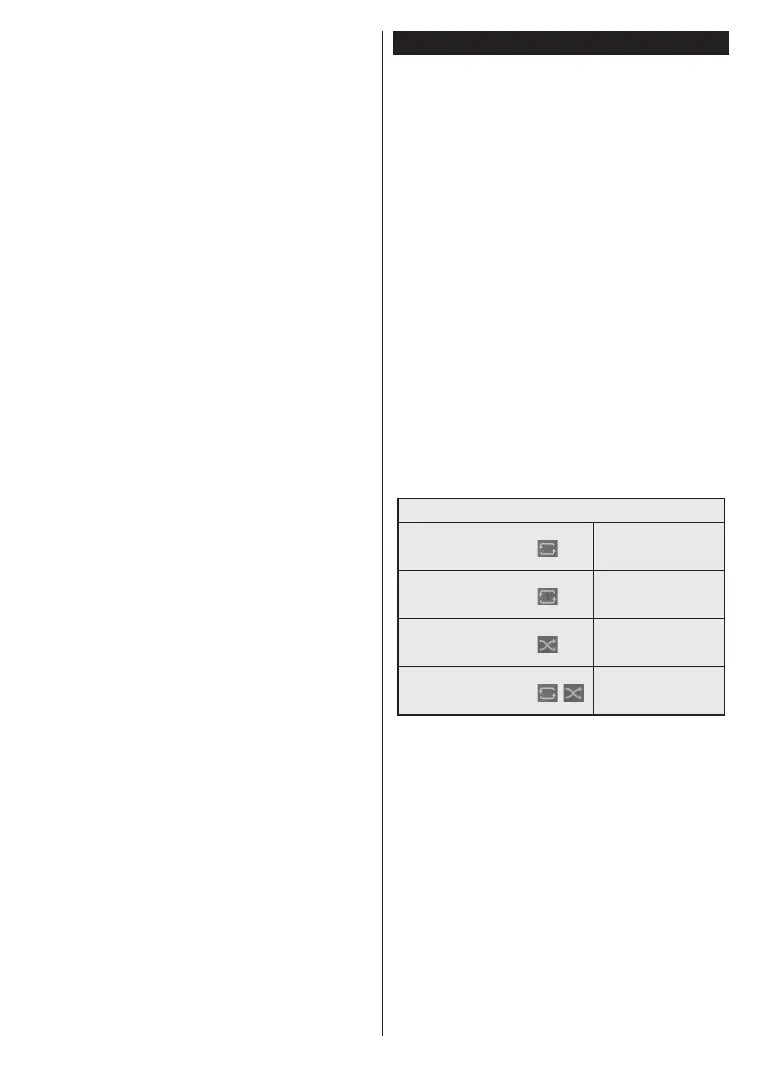
Loop/Shue Mode Operation











order






OK

OK


Table of Contents

Related product manuals