EasyManua.ls Logo

LENCO TFT-1020 - User Manual

LENCO TFT-1020
30 pages
Print Icon
To Next Page IconTo Next Page
Loading...
LENCO
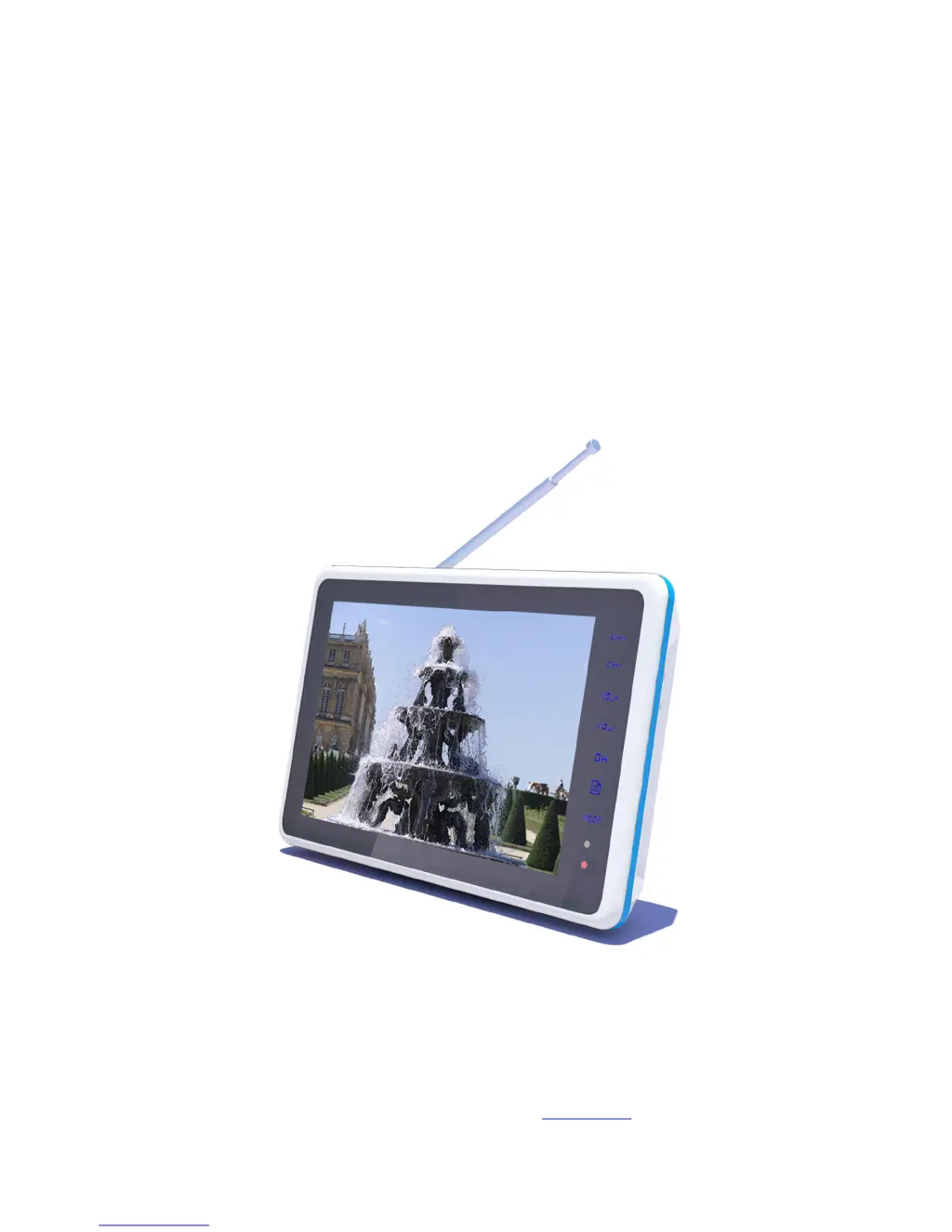
TFT LCD DIGITAL AND ANALOG TV
TFT-1020-User Manual
For information and support, www.lenco.eu

Other manuals for LENCO TFT-1020

Questions and Answers

  • T
    Tina KelleyAug 13, 2025
    Why is my LENCO LCD TV showing 'No signal' during channel search?
    • K
      Kristen BowmanAug 13, 2025
      The 'No signal' message during channel searching on your LENCO LCD TV can occur due to several reasons: * The aerial might not be properly connected to the machine. Check the aerial installation and its connections. * The aerial might not be correctly directed towards the transmitter. Ensure the aerial is pointing towards the transmitters. * The aerial may not be suitable for digital channels. Verify that digital transmissions are available in your area. * The signal might be too weak for the connected aerial. A local TV dealer can check if the aerial is intended for receiving digital transmissions. If not, you may need to exchange the aerial.
  • T
    Tyler CuevasAug 16, 2025
    Why is my LENCO LCD TV remote control not working?
    • A
      Angela JonesAug 16, 2025
      If your LENCO LCD TV remote control isn't working, the cause may be: * The battery is exhausted. Replace the battery. * The remote control is incorrectly aimed. Aim the remote control at the box, ensuring nothing is blocking the front panel.
  • R
    rleeAug 20, 2025
    What to do if my LENCO LCD TV LED does not light up?
    • K
      Kimberly VaughnAug 20, 2025
      If the LED on your LENCO LCD TV doesn't light up, it could be due to a few reasons: * The mains cable is not connected. Ensure the mains cable is securely plugged into the power socket. * The battery isn’t installed or needs to be recharged. Make sure the battery is correctly installed and charged. * Condensed fluid may cause the machine to malfunction. If there is condensed fluid in the machine, do not use it for at least one hour.
  • S
    Sean WilsonAug 25, 2025
    What to do if my LENCO LCD TV picture or video doesn’t full screen?
    • B
      Brian ChaneyAug 25, 2025
      If the picture or video on your LENCO LCD TV doesn’t display in full screen, it may be because the resolution of the files is not suitable. Try changing the files.
  • M
    Michelle BatesAug 28, 2025
    What to do if my LENCO LCD TV screen is closed but power LED is on?
    • T
      Timothy JohnsonAug 28, 2025
      If your LENCO LCD TV screen is closed but the power LED is on, it might be because the battery is exhausted. Try changing the battery.
  • D
    dillon88Aug 31, 2025
    What to do if my LENCO LCD TV doesn’t display the subtitle?
    • D
      Donald TorresAug 31, 2025
      If your LENCO LCD TV doesn’t display subtitles, it could be due to: * The program signal not having subtitle data. Try pressing the S.TIT button to open the subtitle. * The subtitle not being open or the signal being too weak. Ensure the signal is good.
  • T
    tammyclarkSep 4, 2025
    Why are the buttons on my LENCO LCD TV insensitive during channel searching?
    • B
      Brian MooreSep 4, 2025
      During the channel searching process, the buttons or remote controller’s keys on your LENCO LCD TV might become insensitive because the channel searching process uses a lot of system resources, which can slow down the system scan of keys or buttons. Try pressing the buttons or remote controller’s keys several times.
  • M
    Mark FosterSep 8, 2025
    Why can’t my LENCO LCD TV play music or video files correctly?
    • K
      Kenneth HortonSep 8, 2025
      If your LENCO LCD TV can’t play music or video files correctly, it could be because: * The file is damaged or the code is wrong. Try changing to the correct files. * The format of the video is incompatible or the file is damaged. The maximum bit-rate of the video should be 8Mbps.

LENCO TFT-1020 Specifications

General IconGeneral
Display TypeTFT LCD
TV systemPAL/SECAM
Built-in SpeakersYes
Aspect Ratio16:9
Input VoltageDC 12V
Resolution1024 x 600
Power sourceAC 100-240V, DC 12V
ConnectorsHDMI, USB, AV In
Supported formatsJPEG, MP3, MPEG4
Video InputsHDMI, AV In

Related product manuals