4.5 Multimedia
! Attention: Make sure the memory card into the right slot. If the card is improperly inserted,
it may not function properly.
Press Mode key at the remote control or front panel, and Press CH+/CH- buttons to select
multimedia, press OK button enter.
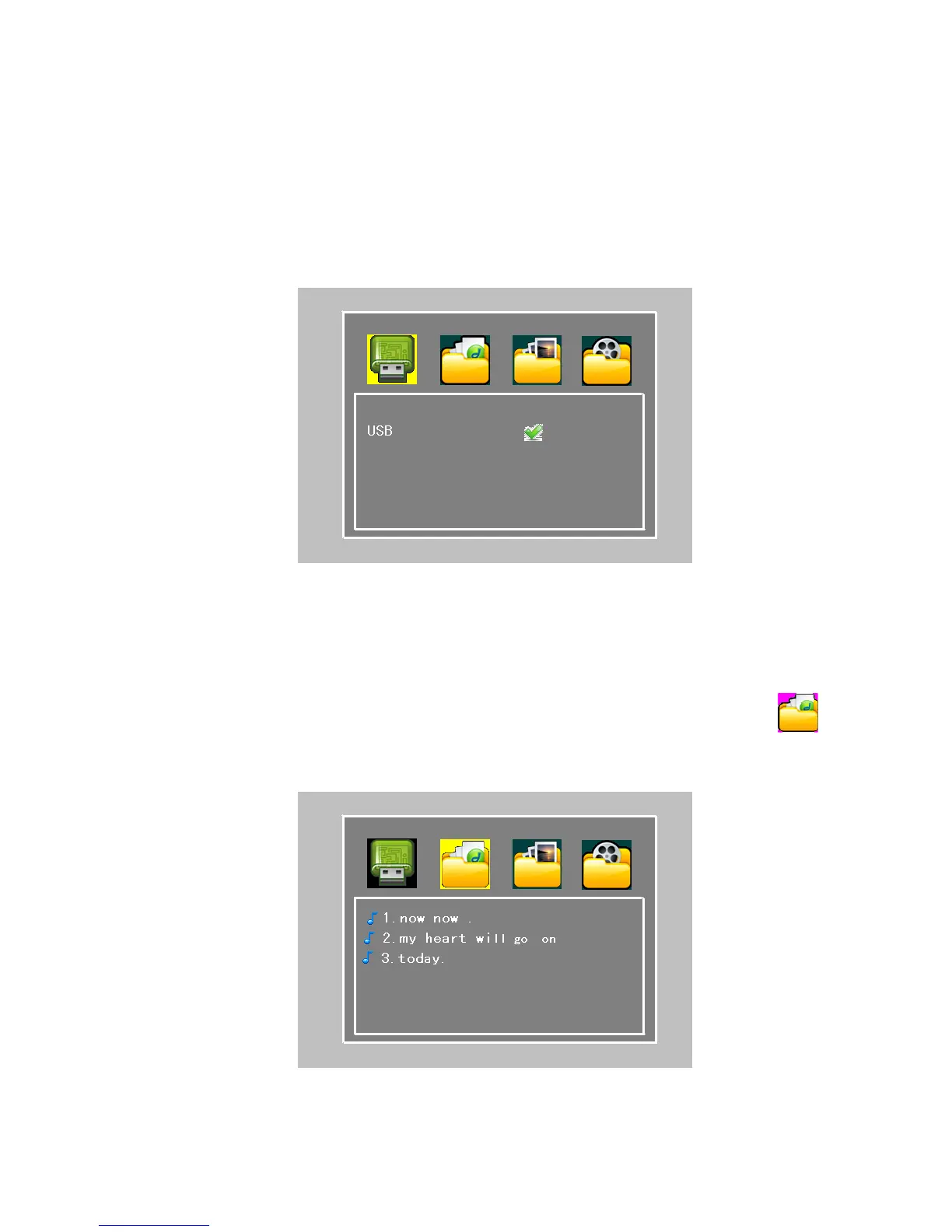
You can enter the icon by pressing OK key and pressing MENU key to go back to the topper
Menu interface.
Figure 4.5.1
When you select memory equipment display reading fulfil, you can enter the icon by pressing
OK key.
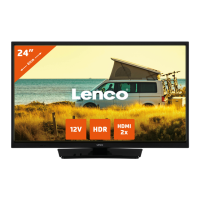
Music: At the function select interface, use the VOL+/VOL- to move the cursor to
icon and press OK key enter.
Figure 4.5.2


 To Next Page