If possible, place the antenna by the window and directed towards the TV transmitter.
If possible, please use the power antennas.
The strength of TV signal varies according to reflections from buildings or mountains.
The signal penetrates thick stone or concrete walls poorly. However, a wooden building
is not a big barrier to digital TV signals.
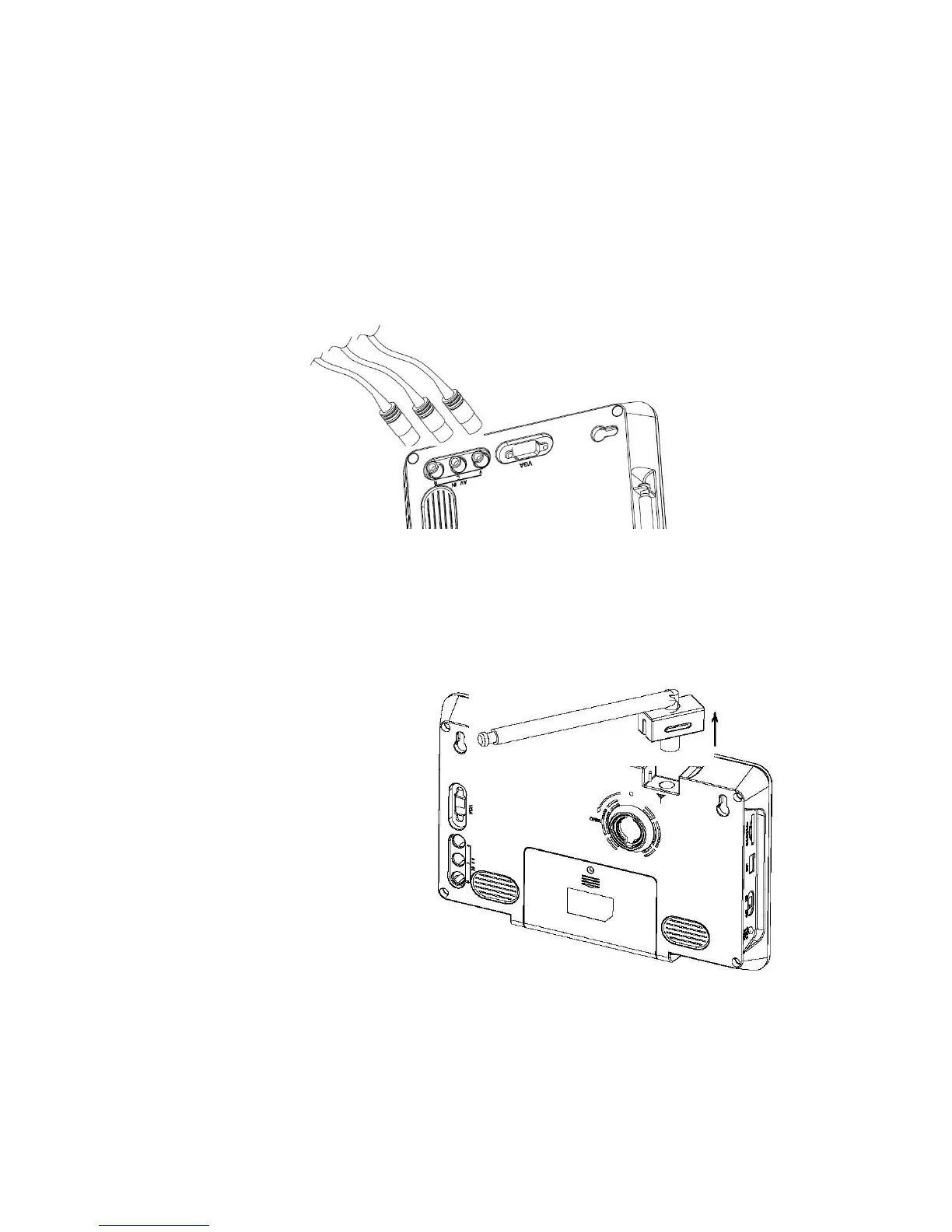
2.4 Connecting the TFT-1020 to the TV
Connect the TFT-1020 AV input socket for video and audio.
Connect the TFT-1020 Headphone jack to the TV audio input socket for sound.
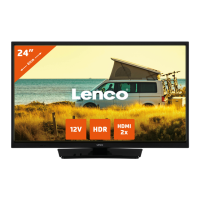
2.5 Connecting the accessorial antenna and the external antenna.
Align the telescopic antenna
plug with the antenna jack on
the TV set, and just plug in
until its end.
If you use the external antenna,
unplug the telescopic antenna
plug, plug the attached
antenna plug into the antenna
jack on TV set.


 To Next Page