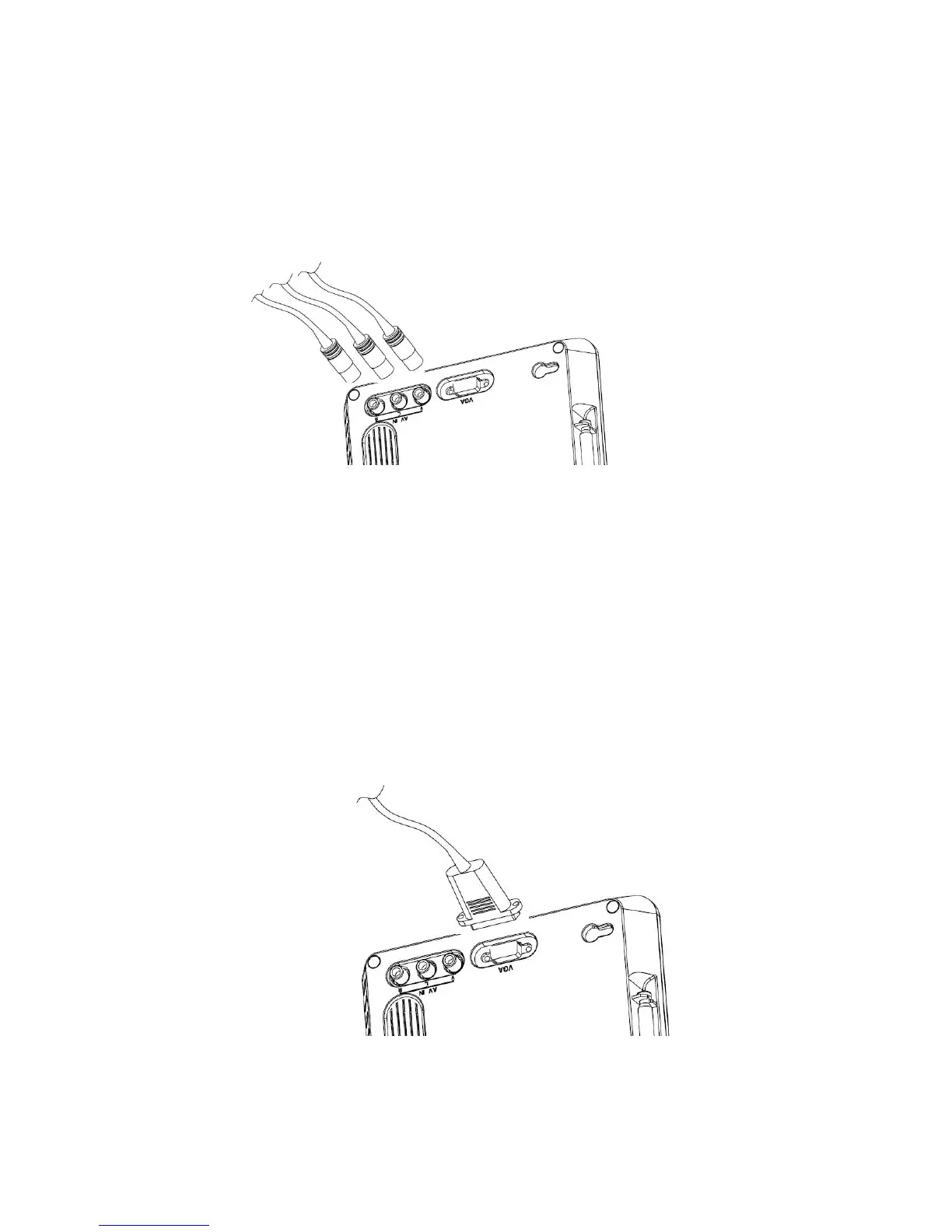
4.3 Audio and video input
First just inset the plug of the external video cord into yellow jack, and left audio plug into the
white port and right audio plug into the red port.
Press the MODE key to the AV mode, the screen display video play and music.
Figure 4.3.1
! Attention: in the AV and VGA mode the operate menu have a little difference compare
with DTV and ATV mode.
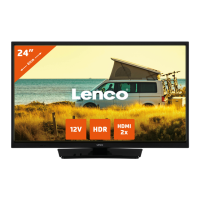
4.4 Connect to PC
Just inset the connect cord to the VGA port of PC, and tighten the screws to keep good contact,
then plug the other end of the cord to the VGA port of the TV set and tighten the screws as the
same.
Then turn the mode to VGA, the screen display as the monitor.
! Attention: The VGA mode only support Standard is 640*480 60Hz and 800*600 60Hz.
Figure 4.4.1


 To Next Page