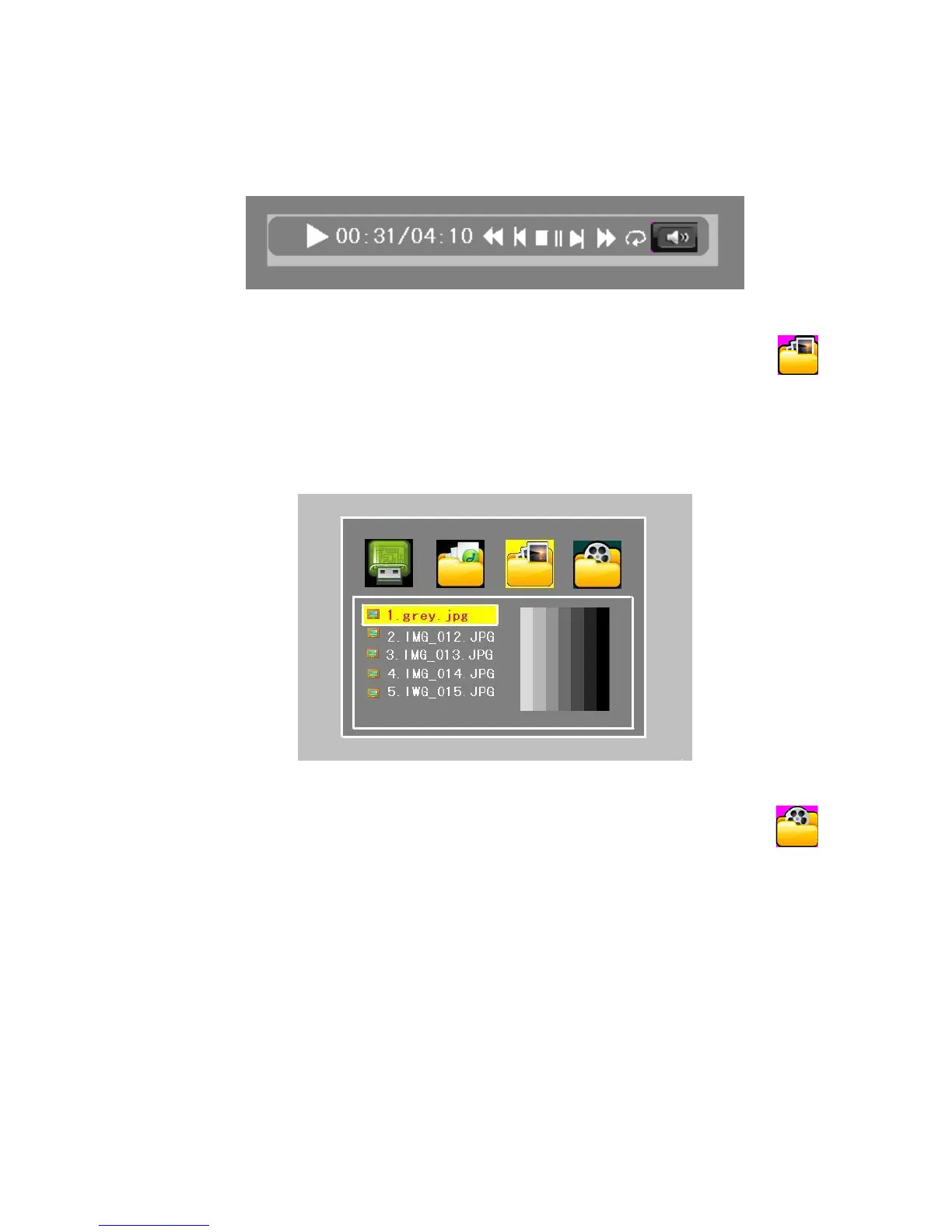
In the music play interface, choose the file and press OK key playing. And press VOL+ key to
music control submenu. Press menu key to return main interface.
Figure 4.5.3
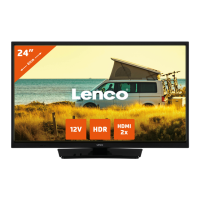
Photo:At the function select interface, use the VOL+/VOL- to move the cursor to
icon and press OK key enter.
Press CH+/CH- buttons to move the cursor to picture and press OK key enter, during the
picture view mode, press VOL+ key to photo control submenu. And then play the pictures
which in current directory automatically.
Figure 4.5.4
Movie: At the function select interface, use the VOL+/VOL- to move the cursor to
icon and use the CH+/CH- to choose the file and press OK key playing.
In the video play interface, choose the file and press OK key playing. During movie playing,
Press VOL+ key to video control submenu, and use the VOL+/VOL- to choose the preview
or next file. And press MENU to return main interface.


 To Next Page