23
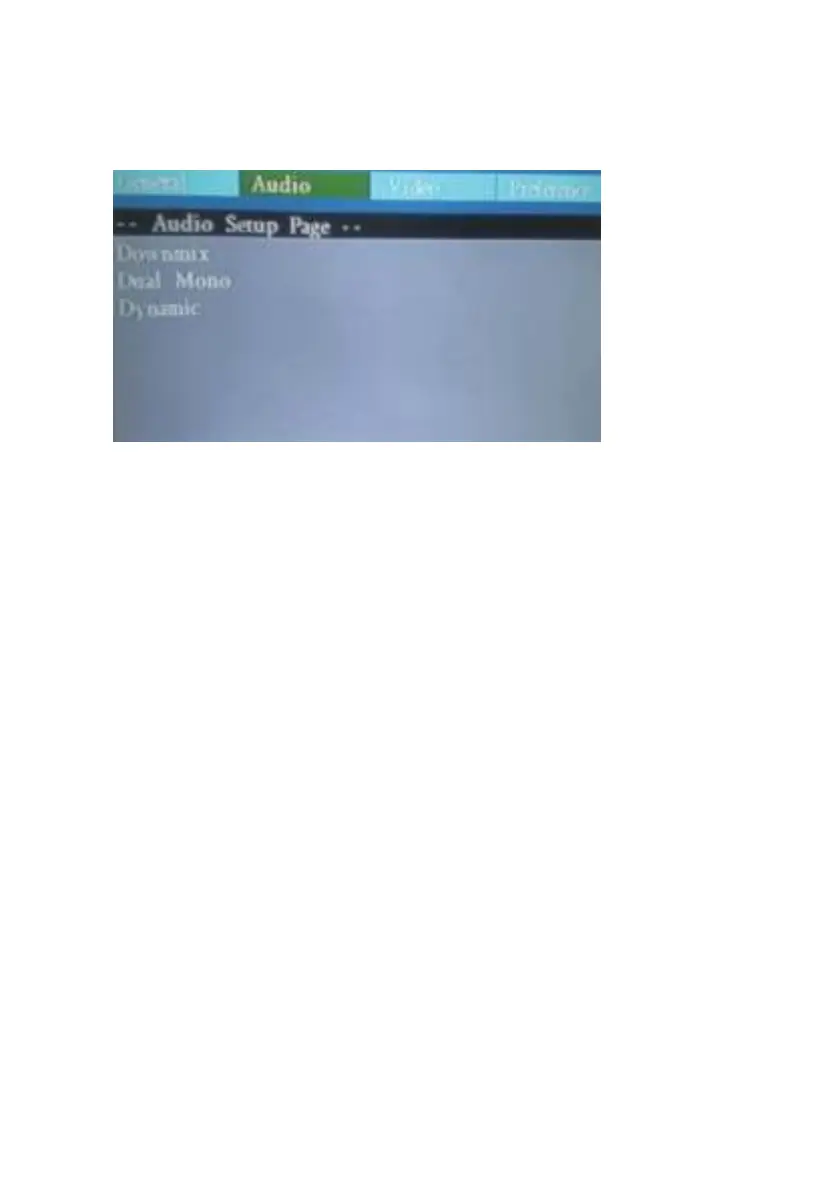
Audio Setup:
Here, you can change the audio setup of the portable DVD player:
Downmix:
LT/RT - Select this option if your DVD player is connected to a Dolby Pro Logic
decoder.
Stereo - Select this option when output delivers sound from only the two front
speakers.
Dual Mono:
L Mono/R Mono/Mix Mono/Stereo these four audio mode select for VCD/Mp3
audio output.
Dynamic:
From Full to 1/8 set when audio is too large then System can do Dynamic to
control decrease audio output range.


 To Next Page