EasyManua.ls Logo

LENCO SB-0160 - User Manual

LENCO SB-0160
17 pages
Print Icon
To Next Page IconTo Next Page
Loading...
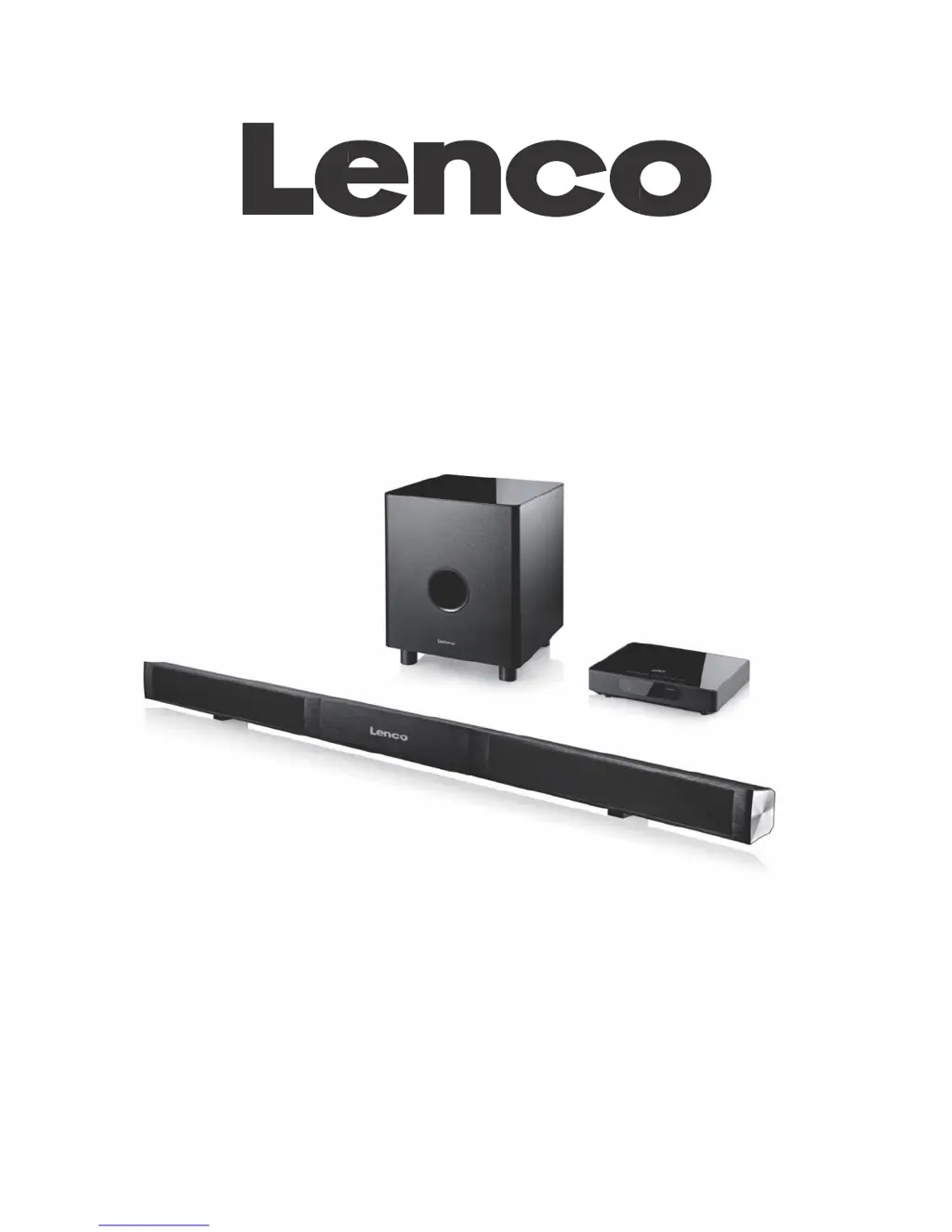
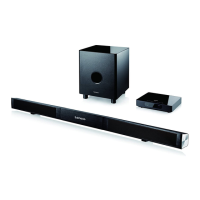
2.1 Aluminum Soundbar System with Bluetooth
®
and Wireless Subwoofer
SB-0160
USER’S MANUAL
www.lenco.com
Please read this manual carefully before connecting or operating
the appliance. Save it for future reference.

Questions and Answers

  • A
    Aaron HallAug 8, 2025
    Why is there no sound coming from my LENCO Speakers?
    • L
      Lorraine JohnsonAug 9, 2025
      If there is no sound coming from your LENCO Speakers, ensure that the audio cable is correctly connected to your PC. Verify all cable connections to resolve the issue.
  • J
    John BruceAug 14, 2025
    What to do if the LENCO SB-0160 Speakers remote control does not work?
    • D
      Diane BennettAug 14, 2025
      If the remote control for your LENCO Speakers isn't working, the batteries may be empty, or the remote might not be aimed correctly. Try replacing the batteries with new ones and ensure you are aiming the remote directly at the sensor.
  • K
    Kristin WheelerAug 18, 2025
    How to fix LENCO SB-0160 when the power supply does not work?
    • C
      Christopher JohnsonAug 18, 2025
      If the power supply for your LENCO Speakers is not working, it might be because the power plug isn't fully connected. Make sure to fully insert the power plug into the power socket.
  • K
    kylethomasAug 25, 2025
    What to do if the LENCO SB-0160 Speakers subwoofer does not work?
    • R
      Rachel GibsonAug 25, 2025
      If the subwoofer for your LENCO speakers is not working, it could be due to a lost connection with the main unit. To fix this, press the Subwoofer Pairing button located on the back panel of the subwoofer.
  • G
    gardnernicoleAug 28, 2025
    Why is play unavailable on my LENCO Speakers?
    • J
      Joseph BellAug 28, 2025
      If play is unavailable on your LENCO Speakers, it might be due to one of the following reasons: no disc inserted, disc incorrectly inserted, or the disc is not compatible with the device. Try inserting the disc again, re-inserting it, or using a compatible disc.
  • T
    Tracy OrtizSep 2, 2025
    What causes discontinuous sound from LENCO SB-0160?
    • D
      Dr. Robert SchultzSep 2, 2025
      If the sound from your LENCO Speakers is discontinuous, the disc may be dirty or scratched. Try cleaning the disc or changing to a different disc.

Summary

Safety Warnings and Precautions

Product Components and Included Items

Soundbar and Remote Control Overview

Soundbar Panel Layout and Functions

Details the input/output ports and control buttons on the main soundbar unit.

Remote Control Layout and Functions

Explains the purpose and operation of each button on the remote control.

Soundbar System Assembly Guide

Soundbar Placement Options

Tabletop Placement Method

Instructions for placing the soundbar on a table for optimal viewing height.

Wall Mounting Placement Method

Instructions for mounting the soundbar securely on a wall.

Connecting the Soundbar System

Basic Soundbar Operation

Power and Mode Control

Turning the unit on/off, standby, and switching between input sources.

Audio Adjustment Controls

Adjusting volume, sound profiles (DSP), and tone (treble/bass).

Media Playback and Mute Functions

Controlling playback for USB/Bluetooth and muting audio.

Advanced Functions and Connectivity

HDMI and ARC Connectivity

Connecting via HDMI and utilizing the Audio Return Channel (ARC) feature.

Bluetooth Pairing and Playback

Steps for pairing Bluetooth devices and controlling playback.

USB Media Playback

Inserting and playing media files from a USB storage device.

Troubleshooting Common Issues

Product Specifications

Disclaimer and Usage Notes

Service and Warranty Information

Recycling and Environmental Disposal

CE Marking and Compliance

LENCO SB-0160 Specifications

General IconGeneral
Charging Time3 hours
WaterproofIPX5
TypeBluetooth
Channels2.0
ConnectivityBluetooth, AUX
Input Voltage5V

Related product manuals