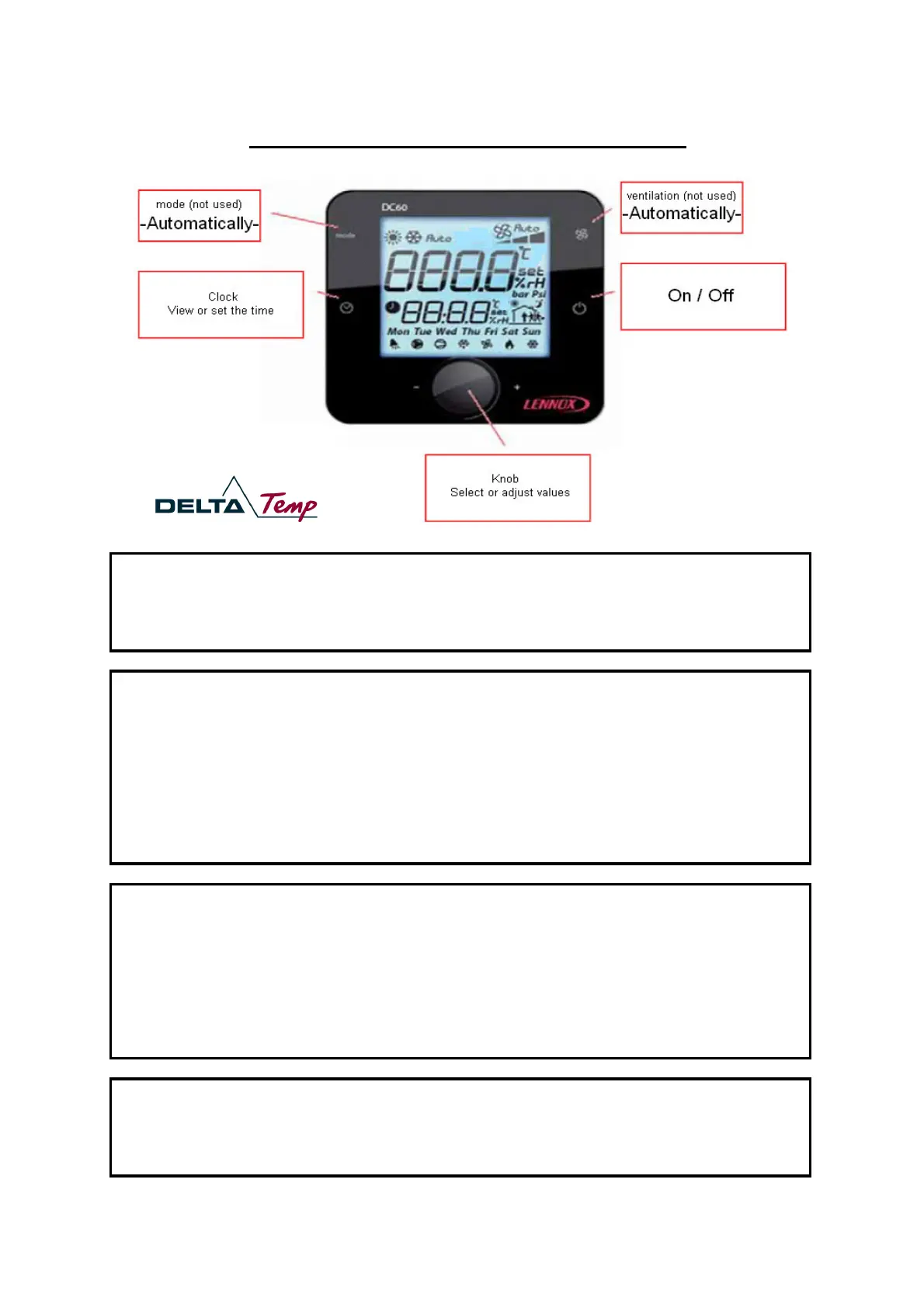
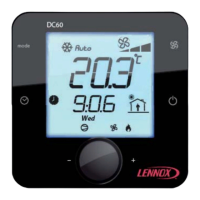
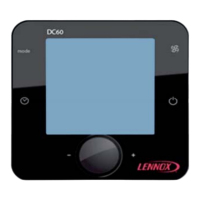
Quick start Guide - DC60 - Customers regulator for Rooftop
Setting the desired temperature:
1. Twist the knob until "
" is displayed in the lower row.
2. Press the knop, the Numbers in the upper row starts flashing.
3. Twist the knob until your desired temperature is displayed.
4. Press the knob to save your setting.
Press the clock short to display the time in the controller.
1. Press the clock about 3 seconds, the hour display starts flashing.
2. Twist the knob to set the right hour.
3. Press the knob to save the setting, the minute display starts flashing.
4. Twist the knob to set the right minute.
5. Press the knob to save the setting, the weekday starts flashing.
6. Twist the knob to set the right weekday.
7. Press the knob to save the setting.
Display the system condition:
Twist the knob to view the following values:
= setpoint for the room temperature
= alarm codes (0 = no alarm)
= outdoor temperature
= supply temperature
= room temperature
= opening of fresh air damper in % (min. 20)
number of rooftops connected to the controller
If there is an alarm (bell is displayed in the lower left corner):
1. Twist the knob until "
" is displayed in the lower row.
2. Write down the alarm code in the upper row.
3. Press the knob two times to reset the alarm.
4. If the alarm is displayed again, please contact Delta-Temp.
Delta-Temp GmbH | 24h-Service 0800 40 48 120 (Kostenlos) | www.delta-temp.de



 To Previous Page