EasyManua.ls Logo

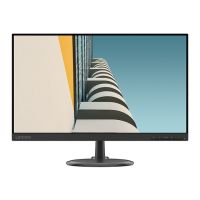
Lenovo C24-40 - User Manual

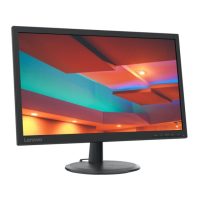
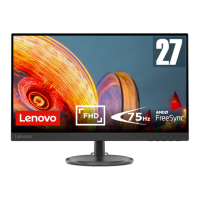
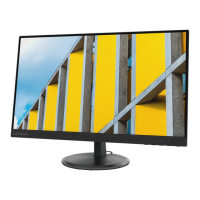
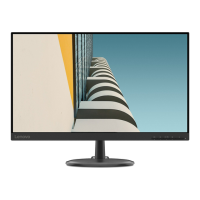
Lenovo C24-40
33 pages
Print Icon
To Next Page IconTo Next Page
Loading...
Lenovo
C24-40,
User Guide

Questions and Answers

  • K
    karenrobertsJul 28, 2025
    What to do if Lenovo C24-40 Monitor shows “Out of Range” and the power indicator is flashing?
    • E
      emmacastroJul 28, 2025
      If your Lenovo monitor displays “Out of Range” and the power indicator flashes, it means the system's display mode isn't supported by the monitor. Try reconnecting your old monitor to adjust the display mode to the specified range for your new monitor. If you're using Windows, restart in safe mode and select a supported display mode.

Summary

Safety Information

General Safety Guidelines

General safety instructions for using the monitor.

Safety and Maintenance Guidelines

Important Safety Information

Critical safety warnings and precautions.

Safety Precautions

Specific safety measures for monitor use.

Maintenance Guidelines

Guidance for maintaining the monitor.

Chapter 1. Getting Started

Setup and Connection

Steps for connecting and powering on the monitor.

Chapter 2. Adjusting and Using Your Monitor

Adjusting Monitor Image

Using direct access and OSD controls for image adjustment.

Chapter 3. Reference Information

Troubleshooting Guide

Solutions for common monitor problems.

Lenovo C24-40 Specifications

General IconGeneral
Panel typeVA
Color depth8 bit
Color gamut72 %
Pixel pitch0.2745 x 0.2745 mm
Screen shapeFlat
Pixel density92 ppi
Backlight typeW-LED
Display diagonal23.8 \
Anti-glare screenYes
Display technologyLED
Native aspect ratio16:9
Maximum refresh rate75 Hz
Response time (fast)4 ms
Viewable size, vertical296.4 mm
Contrast ratio (dynamic)3000000:1
Contrast ratio (typical)3000:1
Display number of colors16.7 million colors
Viewable size, horizontal527 mm
Display brightness (typical)250 cd/m²
AC input voltage100 - 240 V
Power supply typeInternal
AC input frequency50 - 60 Hz
Power consumption (max)23 W
Power consumption (off)0.3 W
Power consumption (standby)0.5 W
Power consumption (typical)16 W
AMD FreeSync typeFreeSync
Compatible operating systemsWindows 10, Windows 11
HDMI version1.4
Headphone connectivity3.5 mm
Tilt angle range-5 - 22 °
Cable lock slot typeKensington
Panel mounting interface100 x 100 mm
CertificationRoHS TÜV Rheinland Eye Comfort
Product colorBlack
Package depth124 mm
Package width633 mm
Package height412 mm
Package weight4600 g
Cables includedAC, HDMI
HDMI cable length1.8 m
Weight and Dimensions IconWeight and Dimensions
Bezel width (side)1.8 mm
Depth (with stand)209.5 mm
Width (with stand)539.4 mm
Height (with stand)412.7 mm
Weight (with stand)3300 g
Bezel width (bottom)21.8 mm
Depth (without stand)52.2 mm
Height (without stand)325.4 mm
Weight (without stand)2800 g

Related product manuals