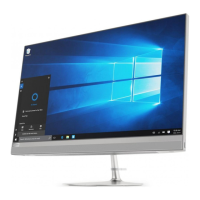
Use the touch screen (for selected models)
Note: Some gestures might not be applicable when you use certain apps.
Tap once to single click Tap twice quickly to double-click
Tap and hold to right-click
Slide to scroll through items
Zoom in Zoom out
Swipe from the left to view all open windows Swipe from the right to open the action center
8 IdeaCentre AIO 3 User Guide



 To Next Page
 Loading...