Replacement procedure
1. Turn off the computer and remove all connected devices and cables.
2. Remove the ac power adapter from the computer, and then remove the power cord from the power
adapter.
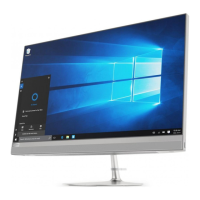
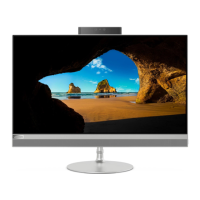
Figure 1. IdeaCentre AIO 3 22ADA6, IdeaCentre AIO 3 24ADA6, IdeaCentre AIO 3 24ALC6, and IdeaCentre AIO 3
27ALC6
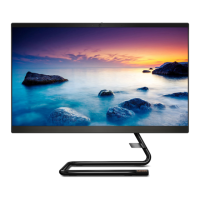
Figure 2. IdeaCentre AIO 3 22ITL6, IdeaCentre AIO 3 24ITL6, and IdeaCentre AIO 3 27ITL6
Computer stand
Prerequisite
Before you start, read Generic Safety and Compliance Notices, and print the following instructions.
Note: Do not remove the power cord when the computer is connected to ac power. Otherwise, there might
be a risk of short circuits.
Replacement procedure
1. Turn off the computer and remove all connected devices and cables.
28
IdeaCentre AIO 3 User Guide



 To Next Page
 Loading...