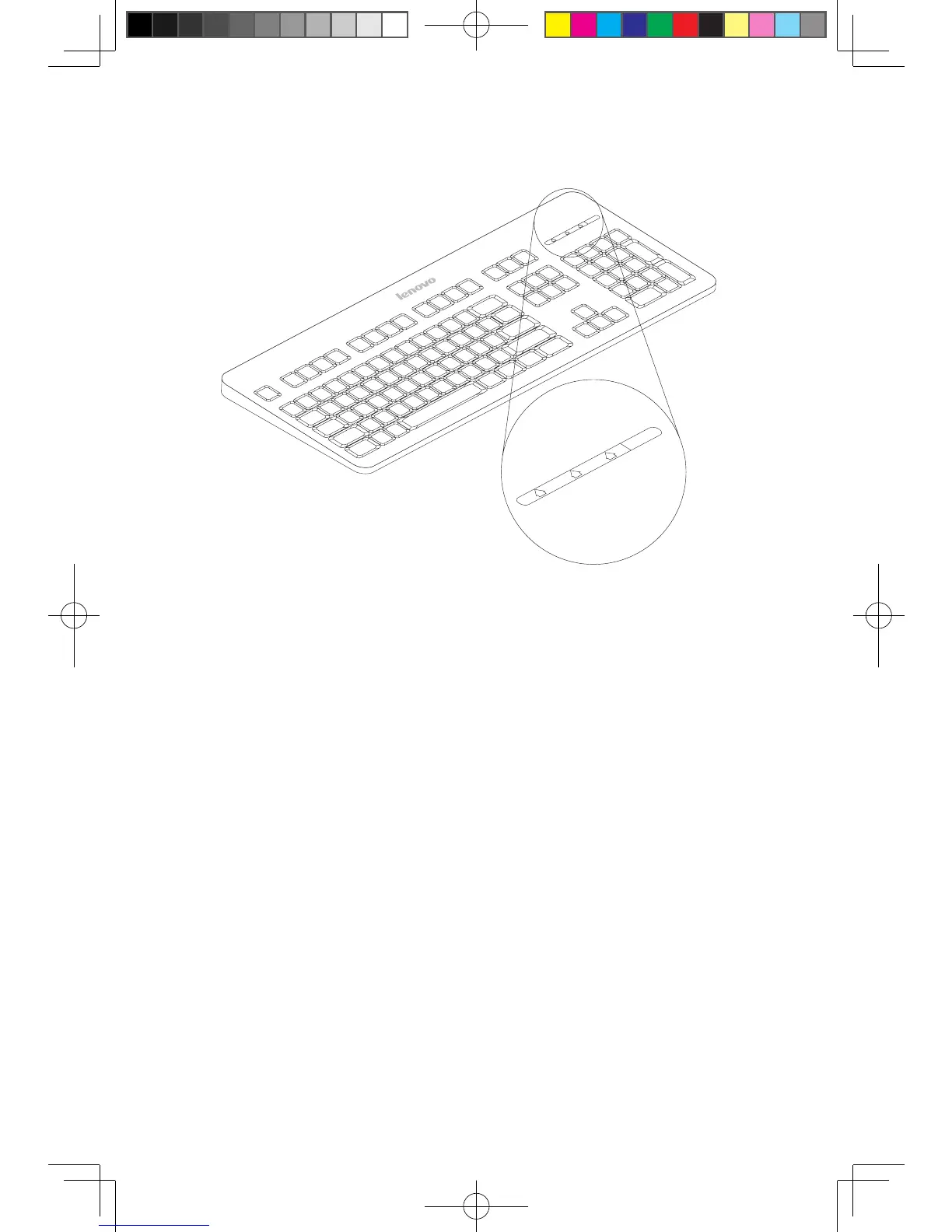
LVT
——
After entering Windows, press this key to launch the LVT (Lenovo
Vantage Technology) program, Lenovo’s pre-loaded Home PC software.
In addition to its own functions, the LVT program will allow you to start
other Windows compatible software, specially configured to run on this
model of computer.
F2
——
Your computer has the Lenovo Rescue System installed. To learn more
about this program, turn on the computer, and when the Lenovo logo
appears, press the F2 key and the Lenovo Rescue System will open.












 To Next Page