EasyManua.ls Logo

Lenovo IdeaCentre B310 - Single Click and Double Click Gesture

Lenovo IdeaCentre B310
47 pages
Print Icon
To Next Page IconTo Next Page
To Previous Page IconTo Previous Page
Loading...
13
User Guide
2.2.1 Basic Hand Gestures
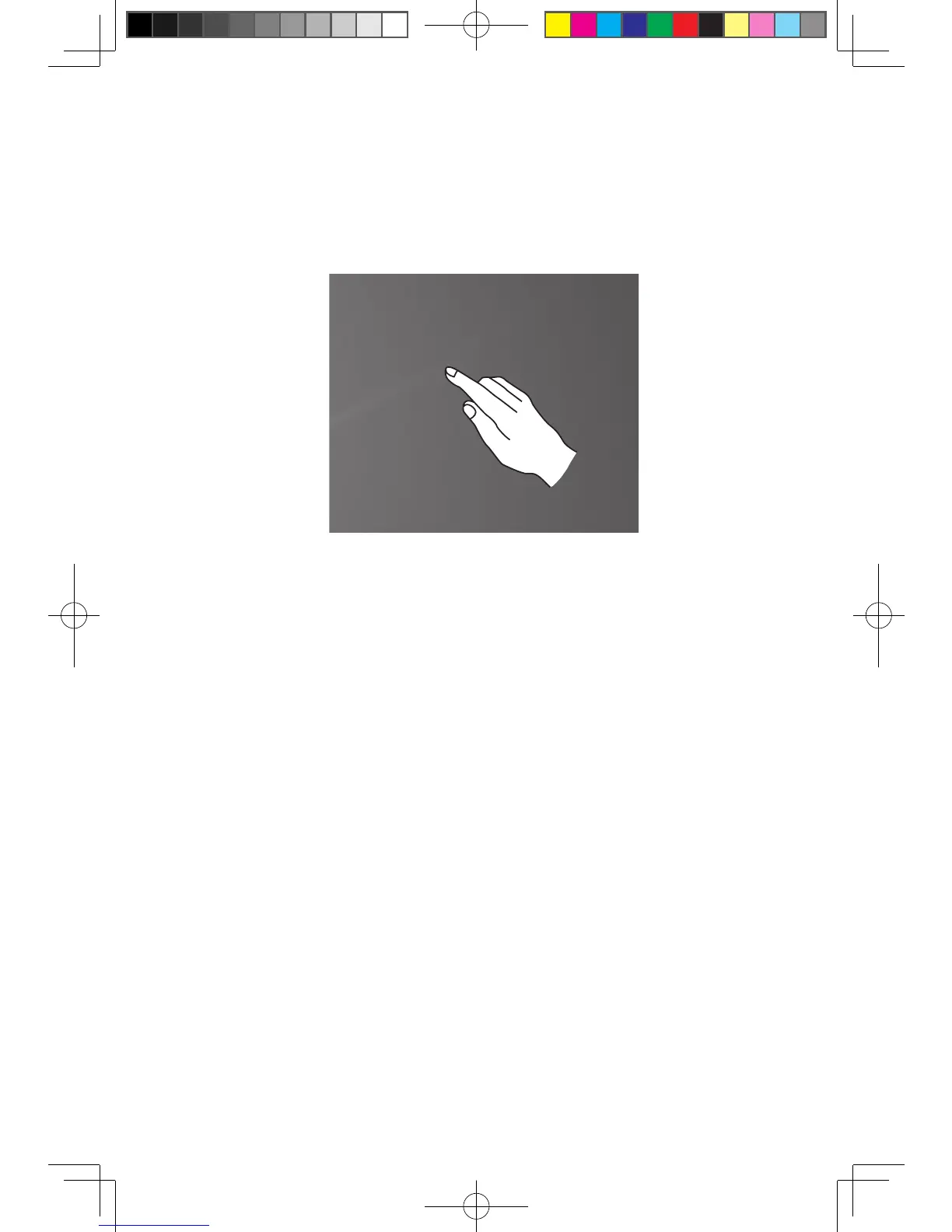
1. Single Click / Double Click
For the item selected on the touch screen, with one finger touch it very gently one
or two times, to perform a single click or double click operation. This is similar to
the action performed by clicking the left mouse button.

31045682 IdeaCentre B3 UG V1.2 (EN)(R).indd 13 2010-7-19 14:34:58

Other manuals for Lenovo IdeaCentre B310

Related product manuals