Getting Started
Getting the app
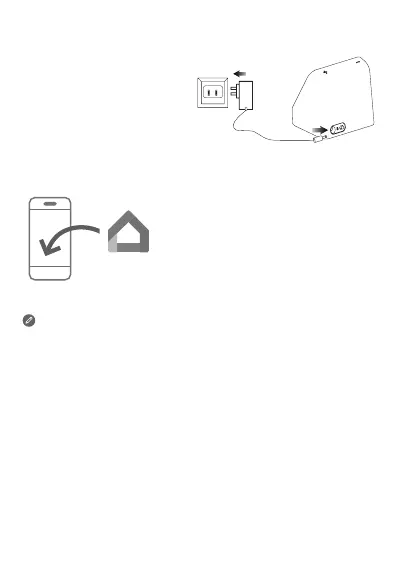
Download and run the Google Home
app in the Google Play Store on a
phone/tablet. Or if you are an iPhone
user, you can download the Google
Home app from the App Store.
Follow the on-screen instructions to
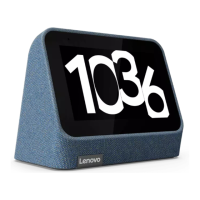
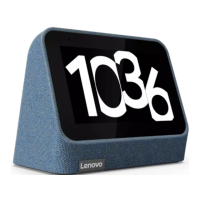
set up your Lenovo Smart Clock 2.
Plug it in
Connect the power
adapter to your device.
Use the same WLAN network for your Lenovo Smart Clock 2 and
phone/tablet.
Talking to your device
Lenovo Smart Clock 2 has the Google Assistant built in.
Just say “Hey Google” to get started.


 To Next Page