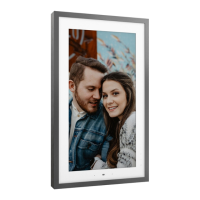
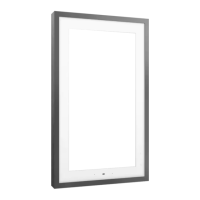
If starting from the outer frame, remove from the four corners.
LENOVO SMART FRAME REMOVAL INSTRUCTIONS
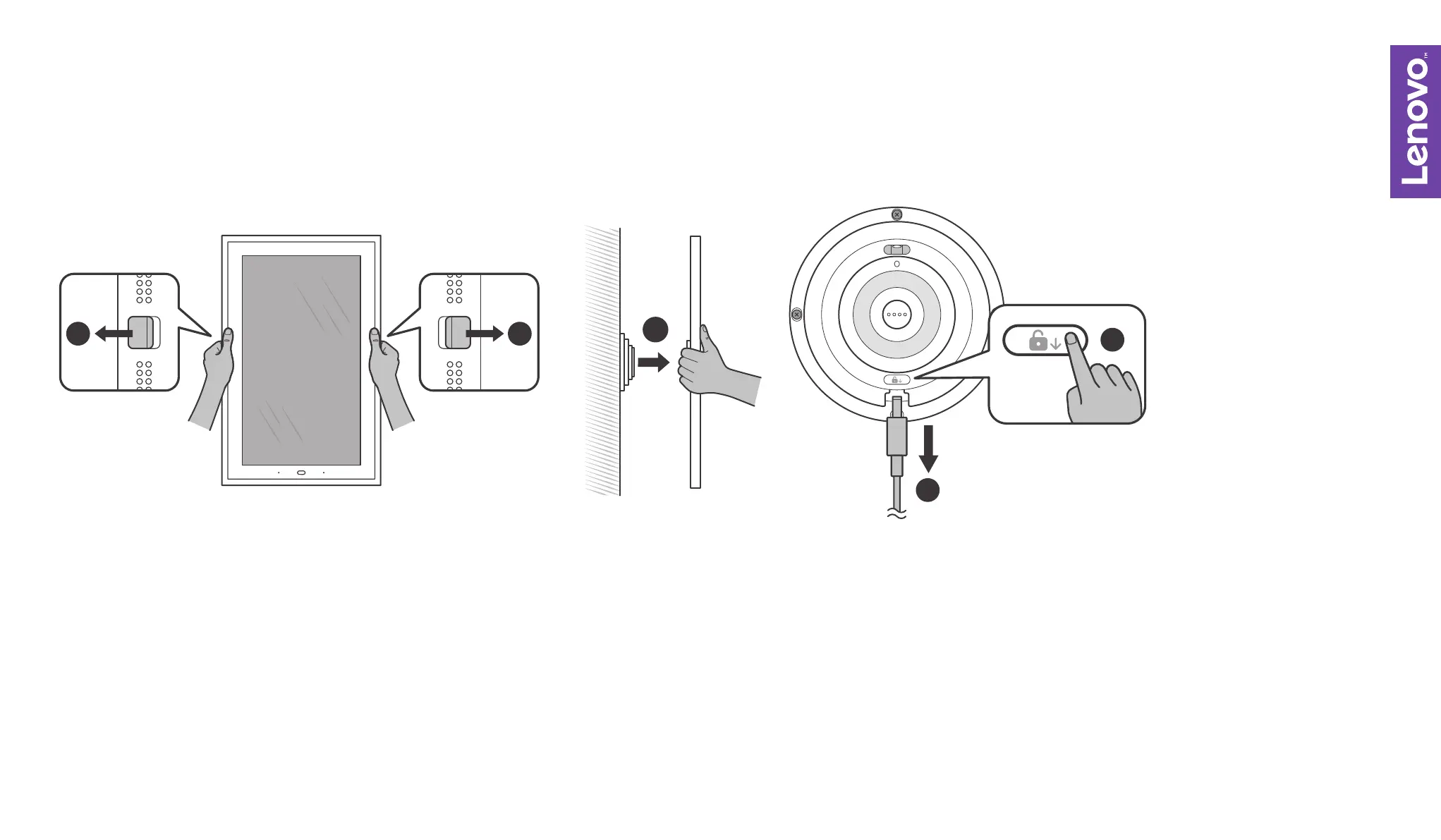
Unplug the charger, then pull the left and right unlock buttons outwards to unlock
the frame. If the metallic decorative frame is installed, remove that first
Unmount the frame
Press the unlock key and gently pull the charging head.
1.
2.
3-4.
11
2
3
4


 To Next Page