Maps Go
You need to do the following settings before you can use Maps Go.
Go to Settings > Security & location. Tap Location to turn it on.
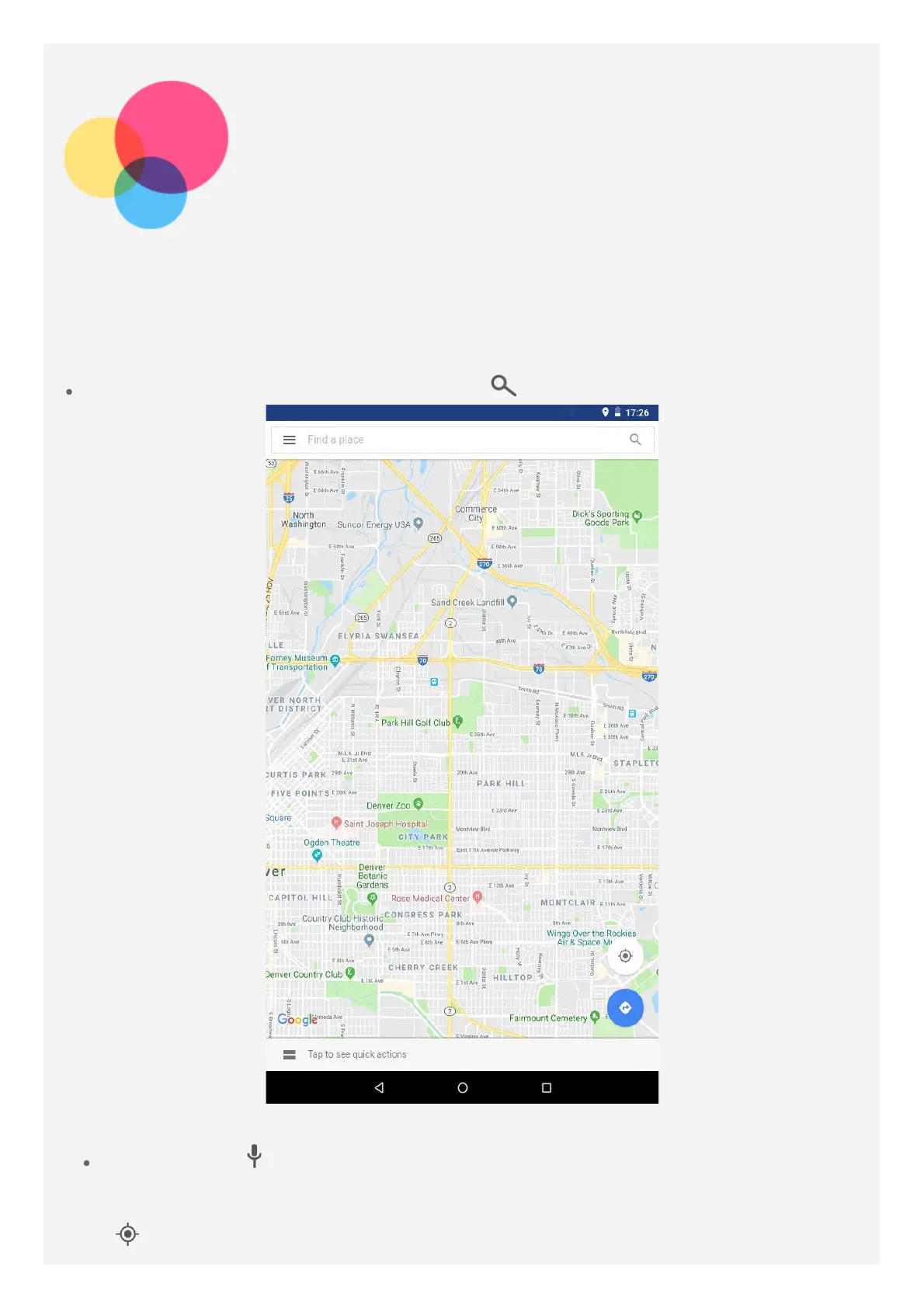
Finding a location
Type the address that you want to find, then tap .
You can also tap , then say the address you want.
Current location
Tap to see your current location.



 To Next Page