Sync
You can transfer data between your device and computer such as music, pictures, videos,
documents, Android application package (APK) files, and so on.
Connecting your device to your computer
Connect your device and computer using a USB cable.
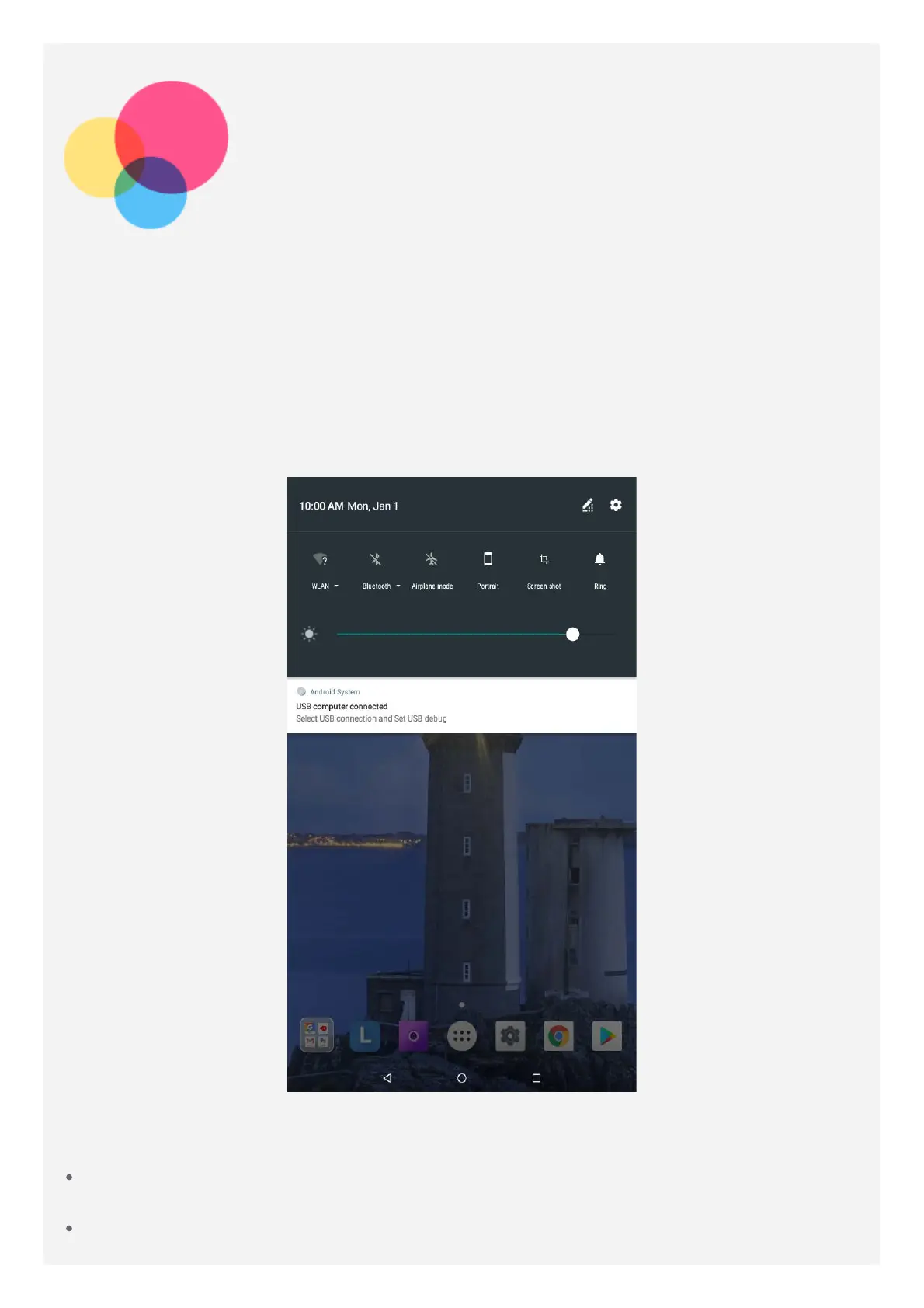
Swipe down from the top of the screen, you will see "USB computer connected" in the
notifications bar.
Tap USB computer connected for other options.
Selecting the computer connection mode
You can select one of the following options:
Media device (MTP): Select this mode if you want to transfer media files such as photos,
videos, and ringtones between your tablet and the computer.
Camera (PTP): Select this mode if you want to transfer only photos and videos between your



 To Next Page