Chapter 1. Meet your computer
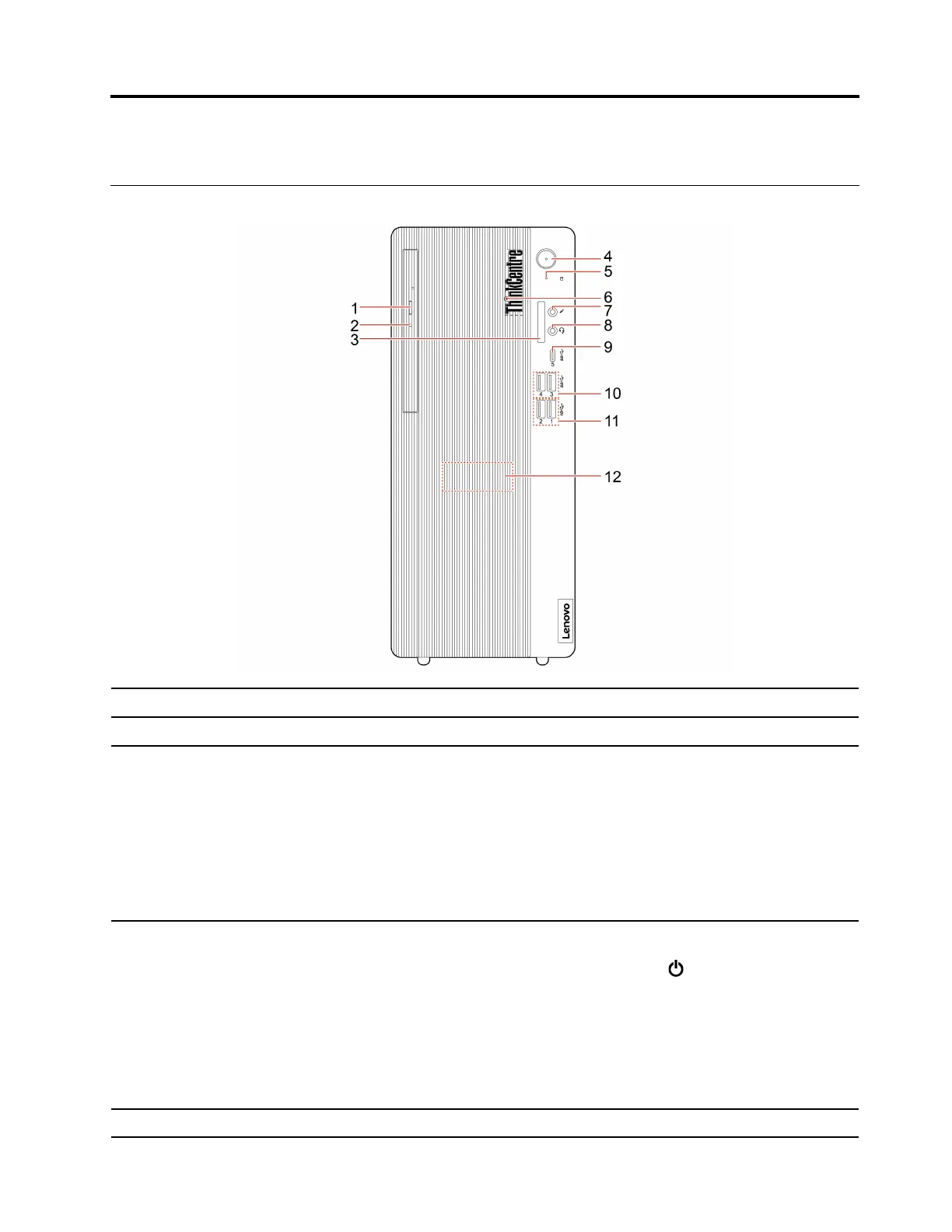
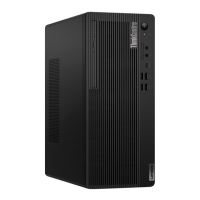
Front
1. Optical drive eject button* Eject the optical drive tray.
2. Optical drive activity indicator* This indicator is on when the optical drive is in use.
3. SD-card slot*
Supported cards:
• Secure Digital (SD) card
• Secure Digital eXtended-Capacity (SDXC) UHS-1 card
• Secure Digital High-Capacity (SDHC) UHS-1 card
Note: Your computer does not support the content protection for recordable
media (CPRM) feature for the SD card.
See “Use a media card (for selected models)” on page 16.
4. Power button
Press to turn on the computer.
To turn off the computer, open the Start menu, click
Power, and then select
Shut down.
The indicator in the power button shows the system status of your computer.
• On: The computer is on.
• Off: The computer is off or in hibernation mode.
• Blinking: The computer is in sleep mode.
5. Storage drive activity indicator This indicator is on when the storage drive is in use.
© Copyright Lenovo 2020 1









 To Next Page