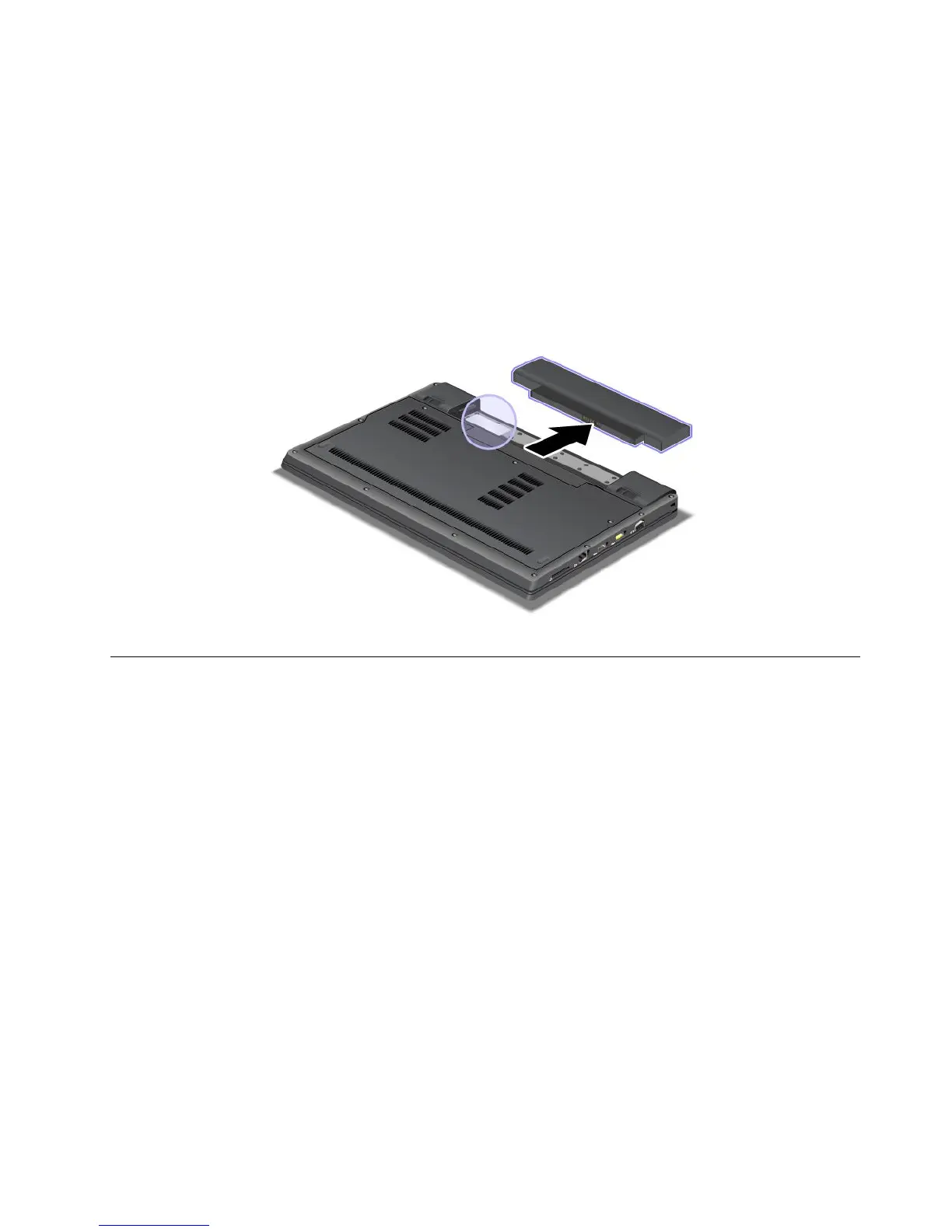
IfnointegratedwirelessPCIExpressMiniCardhasbeenpreinstalledinyourcomputer,youcaninstall
one.Todothis,followtheprocedurein“InstallingandreplacingthePCIExpressMiniCardforwireless
LAN/WiMAXconnection”onpage79or“InstallingandreplacingthePCIExpressMiniCardforwireless
WAN”onpage75
.
CerticateofAuthenticitylabel
TheCerticateofAuthenticitylabelforthepreinstalledoperatingsystemisattached.Printedonthislabelare
theproductIDandtheproductkeyinformationforyourcomputer.Recordthisinformationandkeepitina
safeplace.Youmightneedthesenumbers,tostartyourcomputerorreinstalltheoperatingsystem.
TheCerticateofAuthenticitylabelofyourcomputerisshownasbelow:
Features
Thissectionprovidesinformationaboutfeaturesofyourcomputer.
Processor
•Toseethesystempropertiesofyourcomputer,clickStart,right-clickComputer(inWindows
®
XP,My
Computer);thenselectPropertiesfromthepull-downmenu.
Memory
•Doubledatarate3(DDR3)synchronousdynamicrandomaccessmemory
Storagedevice
•2.5-inch(7mmheight)harddiskdrive
•2.5-inch(7mmheight)solidstatedrive
•mSATAsolidstatedrive(onsomemodels)
Display
ThecolordisplayusesTFTtechnology:
•Size:13.3inch(337.8mm)
•Resolution:
–LCD:Upto1366-by-768
Chapter1.ProductOverview11












 To Next Page