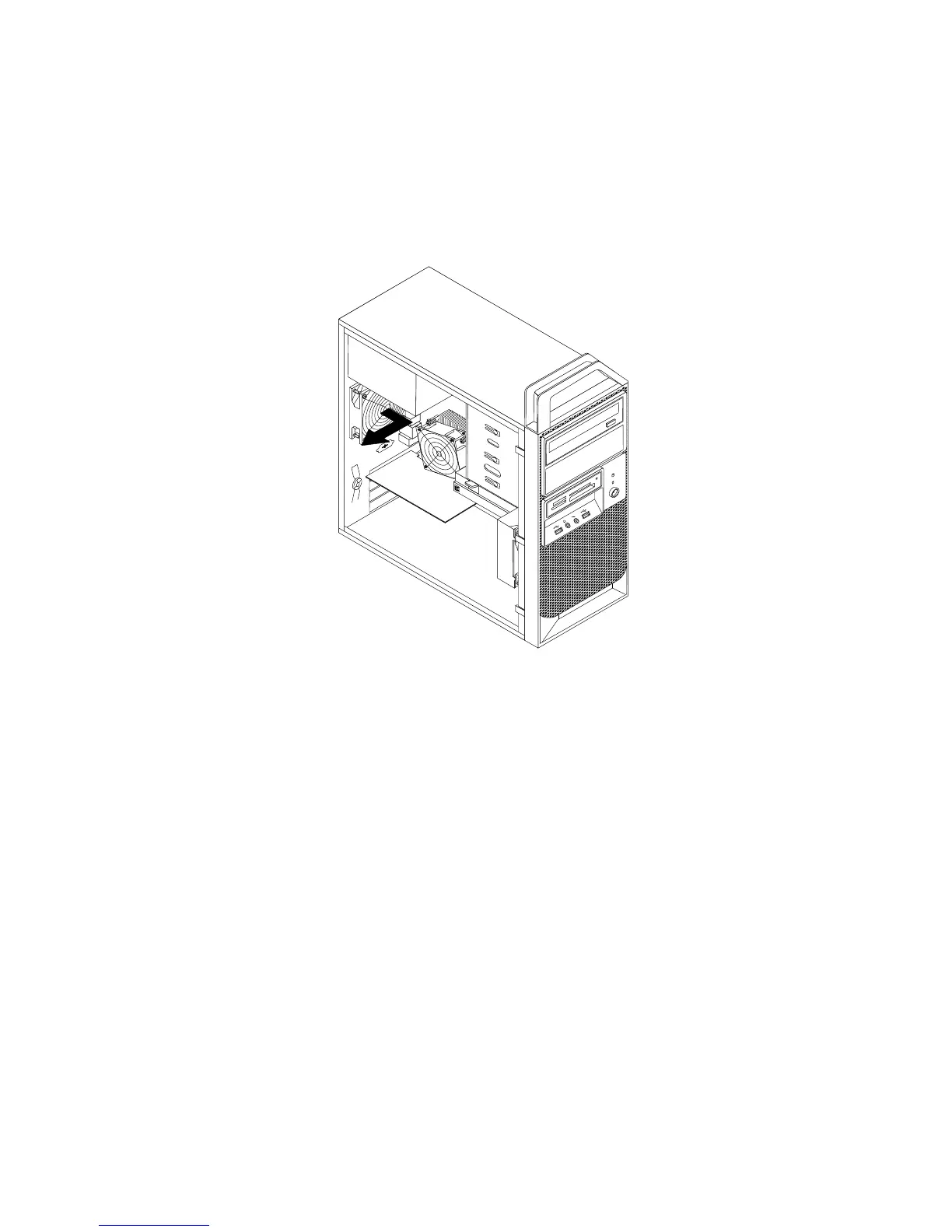
4.Débranchezlecâbledeblocdeventilationarrièreduconnecteurd'alimentationduventilateurarrière
situésurlacartemère.Voir«Localisationdescomposantssurlacartemère»àlapage11.
5.Leblocdeventilationarrièreestxéauboîtieràl'aidedequatresupportsencaoutchouc.Pourretirer
leblocdeventilationarrière,cassezoucoupezlessupportsencaoutchouc,puistirez-ledoucement
horsduboîtier.
Remarque:Lenouveaublocdeventilationarrièrecomportequatrenouveauxsupportsencaoutchouc.
Figure34.Retraitdublocdeventilationarrière
6.Installezlenouveaublocdeventilationarrièreenalignantlesnouveauxsupportsencaoutchoucdubloc
surlestrouscorrespondantsduboîtieretencastrezlessupportsencaoutchoucdanslestrous.
48Guided'utilisationThinkStation














 To Next Page