Chapter 1. Getting started
1-3
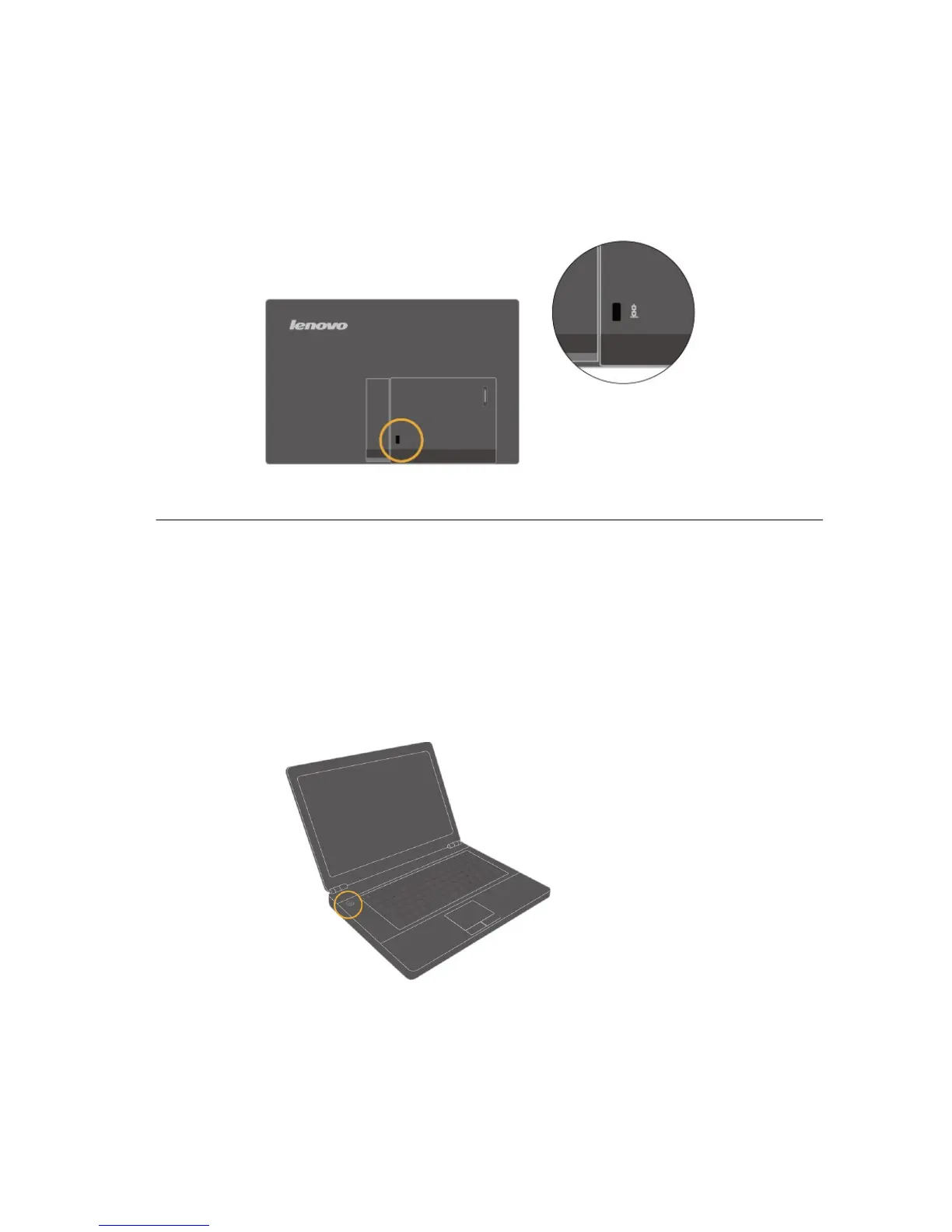
Cable lock slot
Your monitor is equipped with a cable lock slot located on the rear of your monitor
Please follow the instructions that came with the cable
lock to attach it.
Setting up your monitor
This section provides information to help you set up your monitor.
Connecting and turning on your monitor
Note: Be sure to read the Safety Information located in the Monitor Safety, troubleshooting
and Warranty Guide before carrying out this procedure.
1. Power on the computer.





 To Next Page