Chapter 1. Getting started 1-5
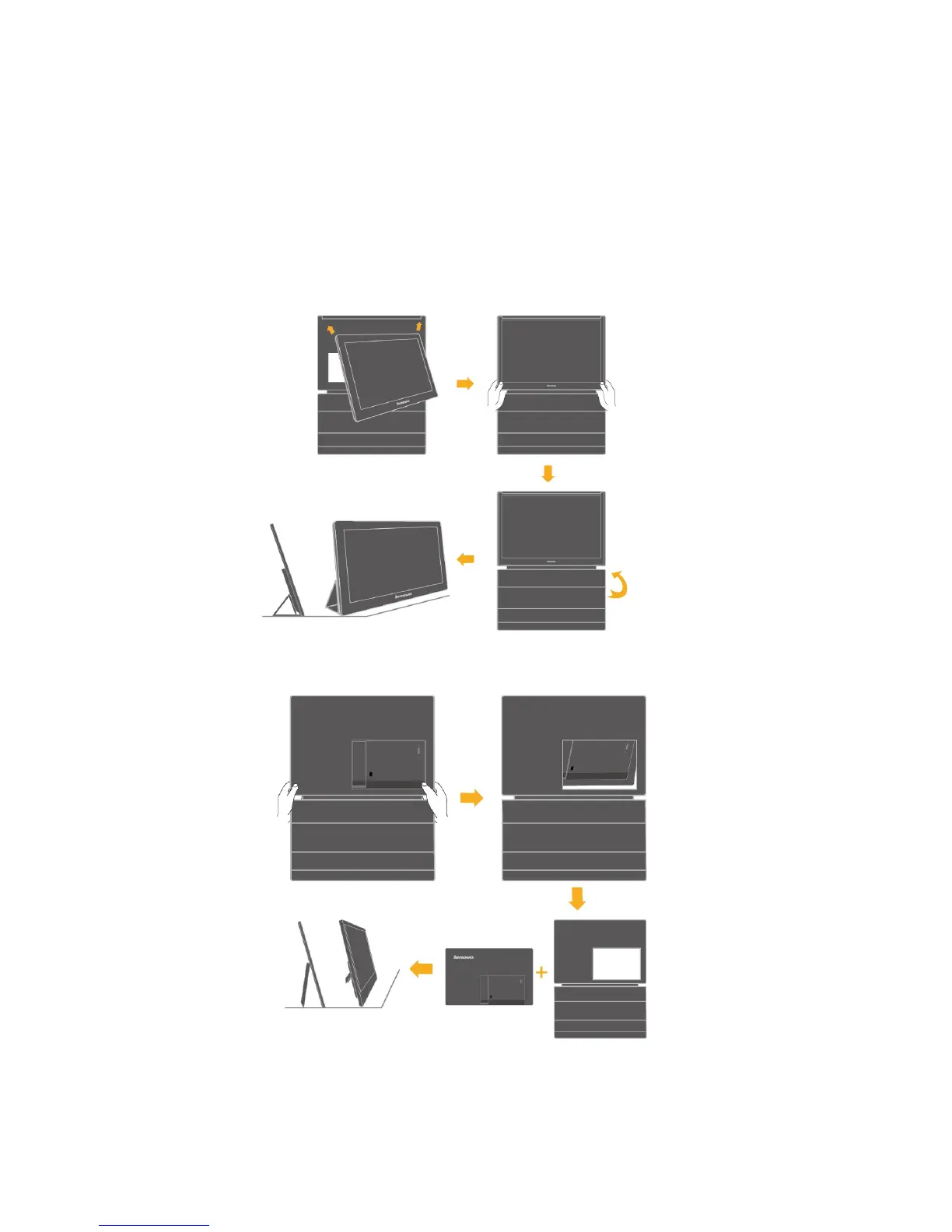
4. Using the convertible protective case or screen protector.
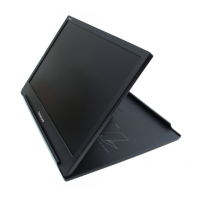
A convertible protective case or a screen protector is attached to the USB monitor to help
protect it during
transportation or storage.
The protective case also can be used as the stand
instead. Here is the
illustrations
as follows:
When using:
1) Case assembly and be used as a stand:
2) Case detaching and using the monitor stand itself.
If protective case is attached:
(1)






 To Next Page