Chapter 1. 1-3
Height Adjustment
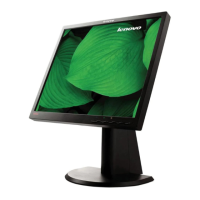
After pressing the top of the monitor, remove the fixed pin and adjust the height of the monitor.
Monitor Pivot
- Adjust height to the top position before rotation the monitor.
- Rotate clockwise until the monitor stops at 90°.
Monitor controls
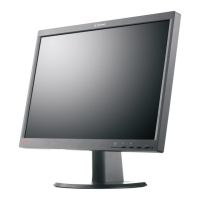
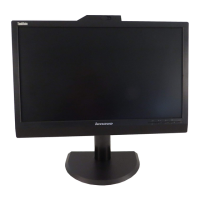
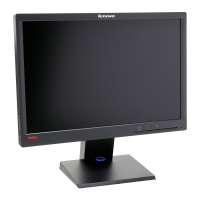
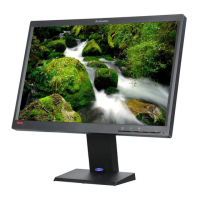
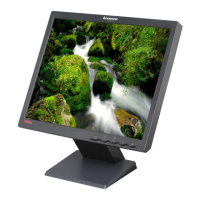
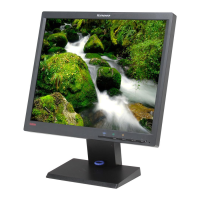
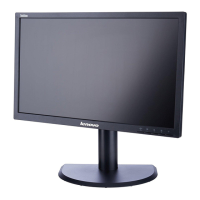
Your monitor has controls on the front which are used to adjust the display.
For information on how to use these controls, please see "Adjusting your monitor image"on
page 2-3.


 To Next Page
 Loading...