15
Chapter 2. Starting to use Windows 10
Note: Windows
®
10 has an updated version. If you are using the updated version, some operations may be
different. Please refer to the actual product.
Configuring the operating system for the first time - - - - - - - - - - - -
You may need to configure the operating system when it is first used.
The configuration process may include the procedures below:
• Accepting the end user license agreement
• Configuring the Internet connection
• Registering the operating system
• Creating a user account
Operating system interface - - - - - - - - - - - - - - - - - - - - - - - - - - - - - - - - - - - - - - - - - - - - - - - - - - - - - - - -
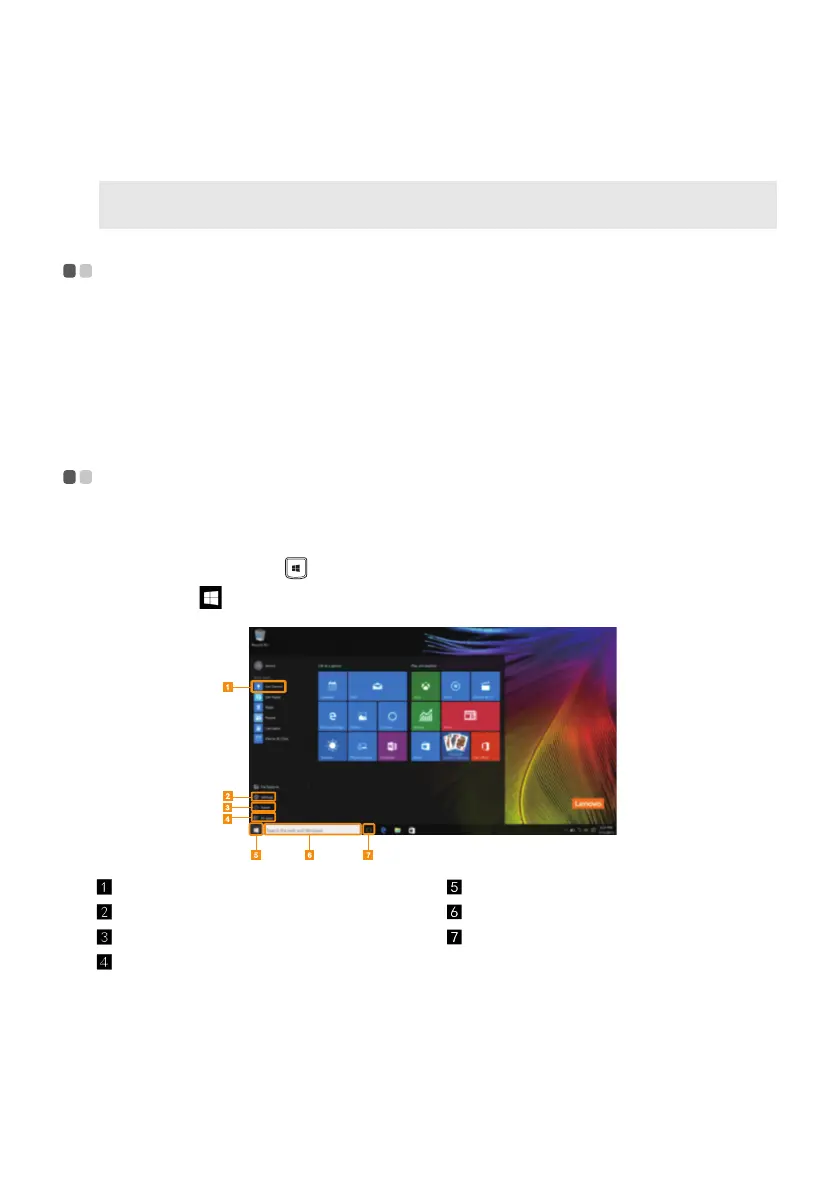
Windows 10 comes with a powerful and useful start menu.
To open the start menu, do one of the following:
• Press the Windows key
on the keyboard.
• Select Start
on the lower-left corner of the desktop.
Get Started app Start button
Settings button Search box
Power button Task view button
All apps button




 To Next Page