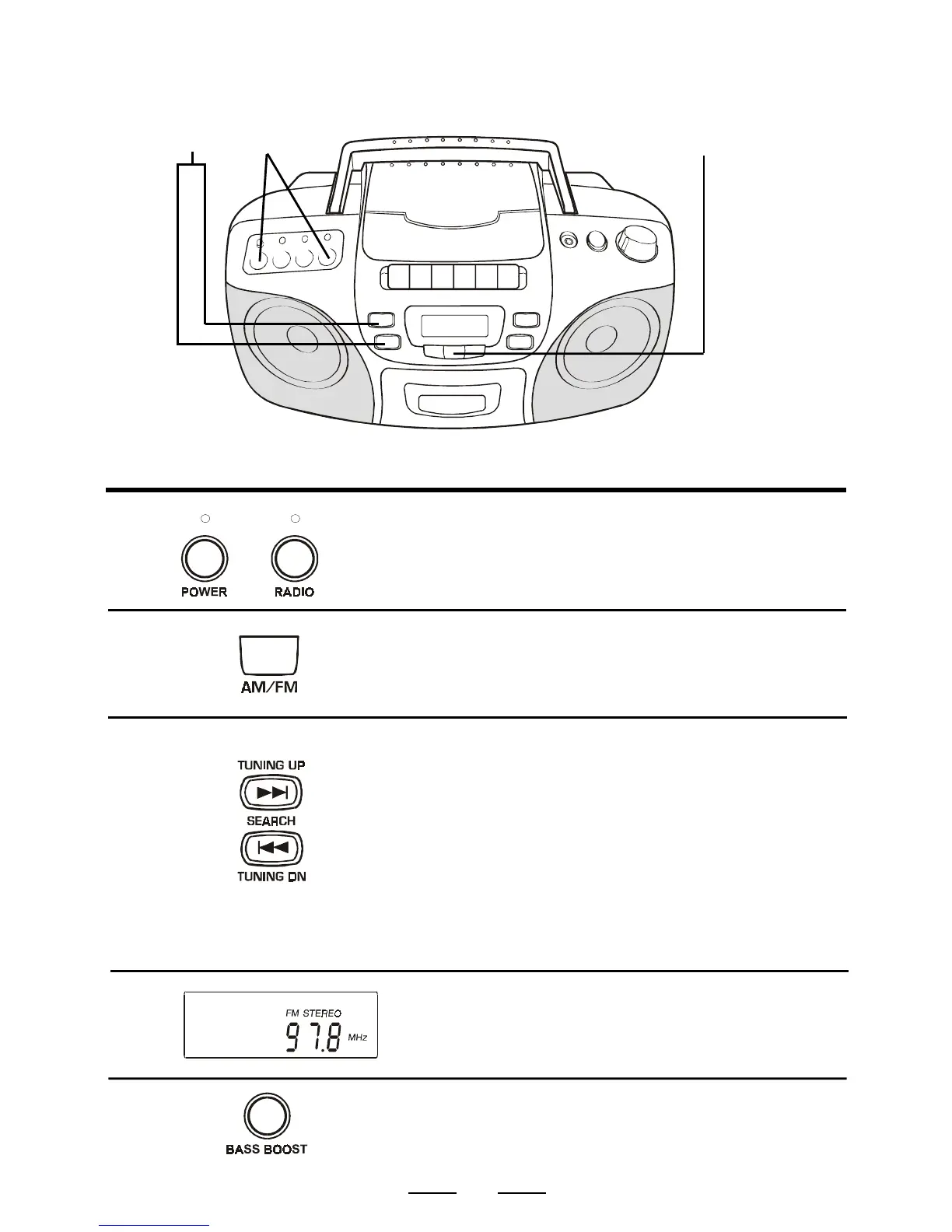
LISTENING TO THE RADIO
Connect the supplied AC power cord or batteries (see page 4).
12
2
Tune into the station you prefer
using the TUNING UP or DOWN
button. Each time the button is
pressed, the frequency changes.
Keep the button pressed, the
station will change rapidly
(automatic tuning), release the
button and it will stop at the next
strong station.
(NOTE: For FM stations, stretch
the FM antenna out.)
5
3
If you tune into a FM stereo station,
FM STEREO will show in the
display.
Press the AM/FM BAND switch to
select the desired wave band.
1
Press the POWER switch, the
POWER indicator will turn on.
Press the RADIO switch, the
RADIO indicator will turn on.
BAND
4
3
5
To hear more BASS sounds, press
the BASS BOOST button.



 To Next Page