EasyManua.ls Logo

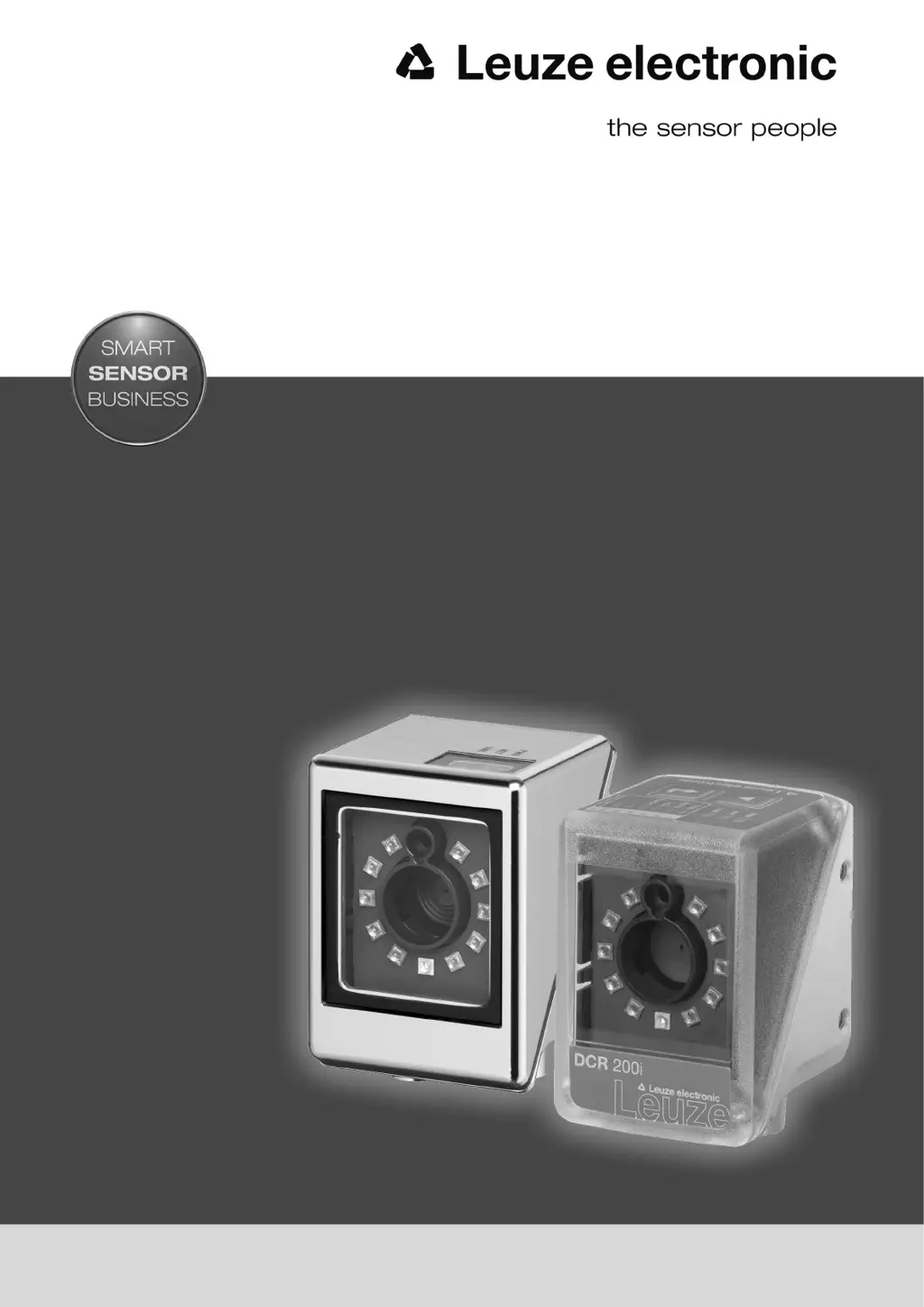
Leuze electronic DCR 202i - User Manual

Leuze electronic DCR 202i
83 pages
Print Icon
To Next Page IconTo Next Page
Loading...
O r i g i n a l o p e r a t i n g i n s t r u c t i o n s
EN 2017/08 - 50130061
We reserve the right to
make technical changes
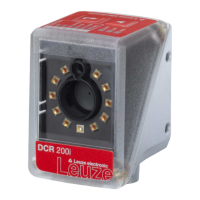
DCR 202i
Camera-based code reader

Table of Contents

Questions and Answers

  • F
    fclarkAug 11, 2025
    How to troubleshoot PWR LED being off on Leuze electronic DCR 202i?
    • G
      Gabriella WilliamsAug 12, 2025
      If the PWR LED is off on your Leuze electronic Scanner, it could be due to no operating voltage connected to the device or a hardware error. First, check the operating voltage. If the issue persists, contact Leuze electronic customer service.
  • E
    elizabeth34Aug 21, 2025
    What to do if NET LED is off on Leuze electronic DCR 202i Scanner?
    • O
      oneilllauraAug 22, 2025
      If the NET LED is off on your Leuze electronic Scanner, it might be caused by no operating voltage connected to the device or a hardware error. Begin by checking the operating voltage. If the problem continues, contact Leuze electronic customer service.
  • G
    Gerald HarrisonAug 31, 2025
    What to do if the PWR LED is flashing red on a Leuze electronic DCR 202i Scanner?
    • L
      lawrence92Aug 31, 2025
      If the PWR LED on your Leuze electronic Scanner is flashing red, query the diagnostic data and carry out the resulting measures.

Leuze electronic DCR 202i Specifications

General IconGeneral
BrandLeuze electronic
ModelDCR 202i
CategoryScanner
LanguageEnglish

Related product manuals