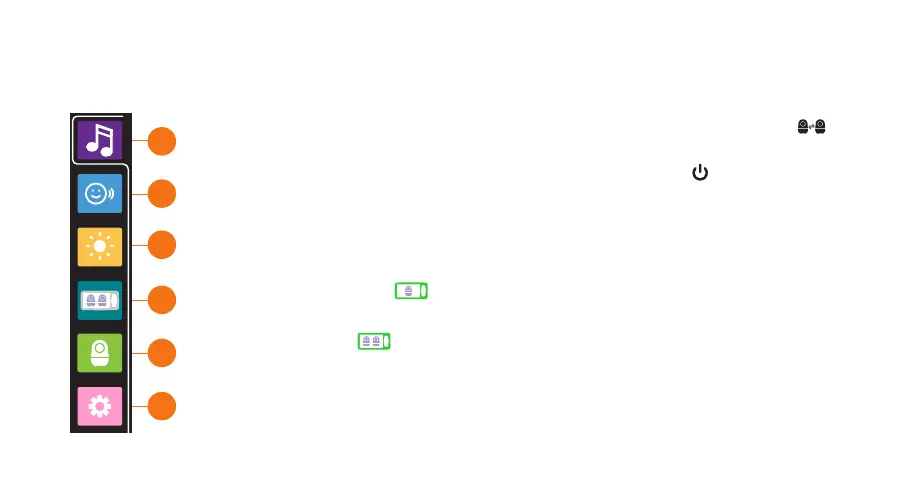
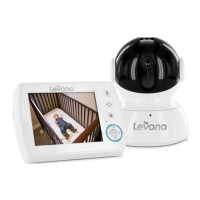
USING YOUR NALA BABY MONITOR - MENU
1
2
3
4
5
6
1. Lullaby - When two cameras are paired, from the live view screen (viewing mode),
select the camera (active camera) you wish to activate a lullaby for by pressing .
Enter lullaby settings to customize your options.
2. Voice Activation - After customizing your setting, short press to enter voice
activated mode immediately or the monitor will automatically enter this mode after
30s of inactivity.
3. Monitor Brightness Setting
4. Viewing Modes
Full Screen Mode - When two cameras are paired, your monitor will
automatically enter sequence mode. Long press (3s) to exit Sequence Mode.
Split Screen - When two cameras are paired, your monitor will automatically
enter sequence mode. The active camera is the camera that will have audio. Long
press (3s) to exit Sequence Mode.
5. Camera Pairing
6. General Settings


 To Next Page