EasyManua.ls Logo

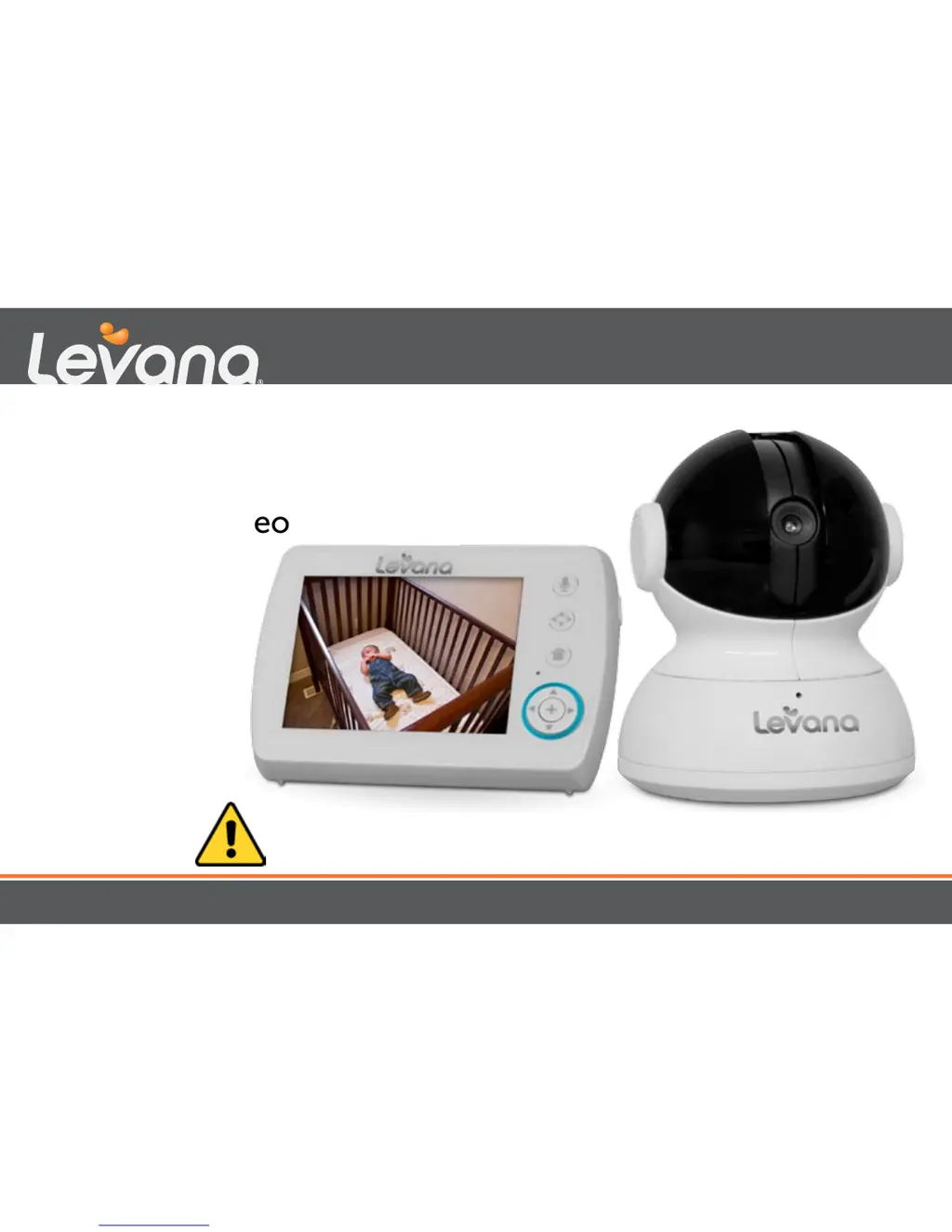
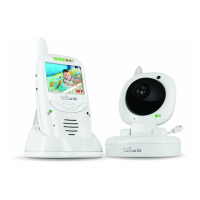
Levana Astra - User Manual

Levana Astra
20 pages
Print Icon
To Next Page IconTo Next Page
Loading...
Astra
mylevana.com
USER MANUAL
Digital Baby Video
Monitor
CAUTION: Keep small parts away from children.

Other manuals for Levana Astra

Questions and Answers

  • S
    Shannon CookJul 26, 2025
    What to do if my Levana Baby Monitor rechargeable battery will not charge?
    • T
      Thomas JamesJul 26, 2025
      Make sure the power adapters are connected correctly. Also, check that the battery pack is properly connected inside the battery compartment. Finally, ensure that the monitor is properly docked.
  • S
    Sabrina RussellJul 30, 2025
    What to do if my Levana Astra Baby Monitor equipment does not function?
    • D
      debra67Jul 30, 2025
      First, make sure both the camera and the monitor are turned on. Then, ensure the battery is adequately charged. Finally, verify that the power adapters are correctly connected.
  • J
    jamesjacksonAug 3, 2025
    Why is there no reception on my Levana Baby Monitor?
    • R
      Robert JohnsonAug 3, 2025
      The camera and monitor might not be correctly paired, so follow the pairing instructions. Alternatively, the camera could be too far away from the monitor. You can also try extending the antenna on the monitor.
  • C
    Carolyn WilliamsAug 7, 2025
    Why does my Levana Astra Baby Monitor have feedback (screeching, static)?
    • C
      Cynthia GutierrezAug 7, 2025
      The camera and monitor might be too close to each other. Another reason could be that the volume on the monitor is set too high; try lowering it.
  • J
    Joseph MurrayAug 12, 2025
    Why is there noise (static, beeping) on my Levana Astra?
    • B
      brandihallAug 12, 2025
      The battery power may be too low. Ensure the monitor is adequately charged.
  • J
    Jamie HartmanAug 16, 2025
    Why is the picture black and white on my Levana Astra Baby Monitor?
    • J
      Jamie NorrisAug 16, 2025
      The night vision LEDs might be on. Try increasing the amount of light in the room being monitored.
  • J
    james13Aug 20, 2025
    What to do if my Levana Baby Monitor picture works but there is no sound?
    • M
      Mrs. Marie HornAug 20, 2025
      The volume setting may be too low. Increase the volume on your monitor.

Summary

Safety Instructions

FCC Statement

Warranty Information

Whats Included

Monitor Overview

Camera Overview

Setup Guide

Battery Installation

Instructions for installing the rechargeable battery in the monitor.

Optimize Rechargeable Battery Life

Tips to maximize the battery life of the rechargeable unit.

Connect Power to Monitor and Camera

Steps to connect power adapters to the monitor and camera.

Screen Icons Overview

Explanation of various icons displayed on the monitor screen.

Operation Guide

Monitor Power and Camera Pairing

How to turn the monitor on/off and pair cameras.

Monitor Placement

Guidance on positioning the monitor for optimal use.

Camera Placement and Mounting

Instructions for placing and securely mounting the camera.

Camera Wall Mounting

Detailed steps for safely mounting the camera on a wall.

Night Vision and Camera Angle Adjustment

Using night vision and adjusting camera pan, tilt, and zoom.

Volume Control and Two-Way Intercom

Adjusting volume and using the talk-back feature.

Lullaby Functionality

How to select and play lullabies for the baby.

Power Save and Camera View Modes

Enabling power save mode and switching between camera views.

Brightness and Sound Sensitivity Settings

Adjusting screen brightness and sound detection sensitivity.

Contacting Customer Support

Information on how to reach customer support for assistance.

Troubleshooting Guide

Levana Astra Specifications

General IconGeneral
Display TypeLCD
Night VisionYes
Two-Way TalkYes
Temperature MonitoringYes
LullabiesYes
Expandable CamerasUp to 4 cameras
Sound ActivationYes
Power SourceAC adapter
Screen Size2.4 inch

Related product manuals