mylevana.com
ContactingCustomerSupport
Customer Support is just a click away whenever you need it! Our customer support team
can be reached by phone, by email and live web chat. Our experts will be happy to assist
you in English, French and Spanish.
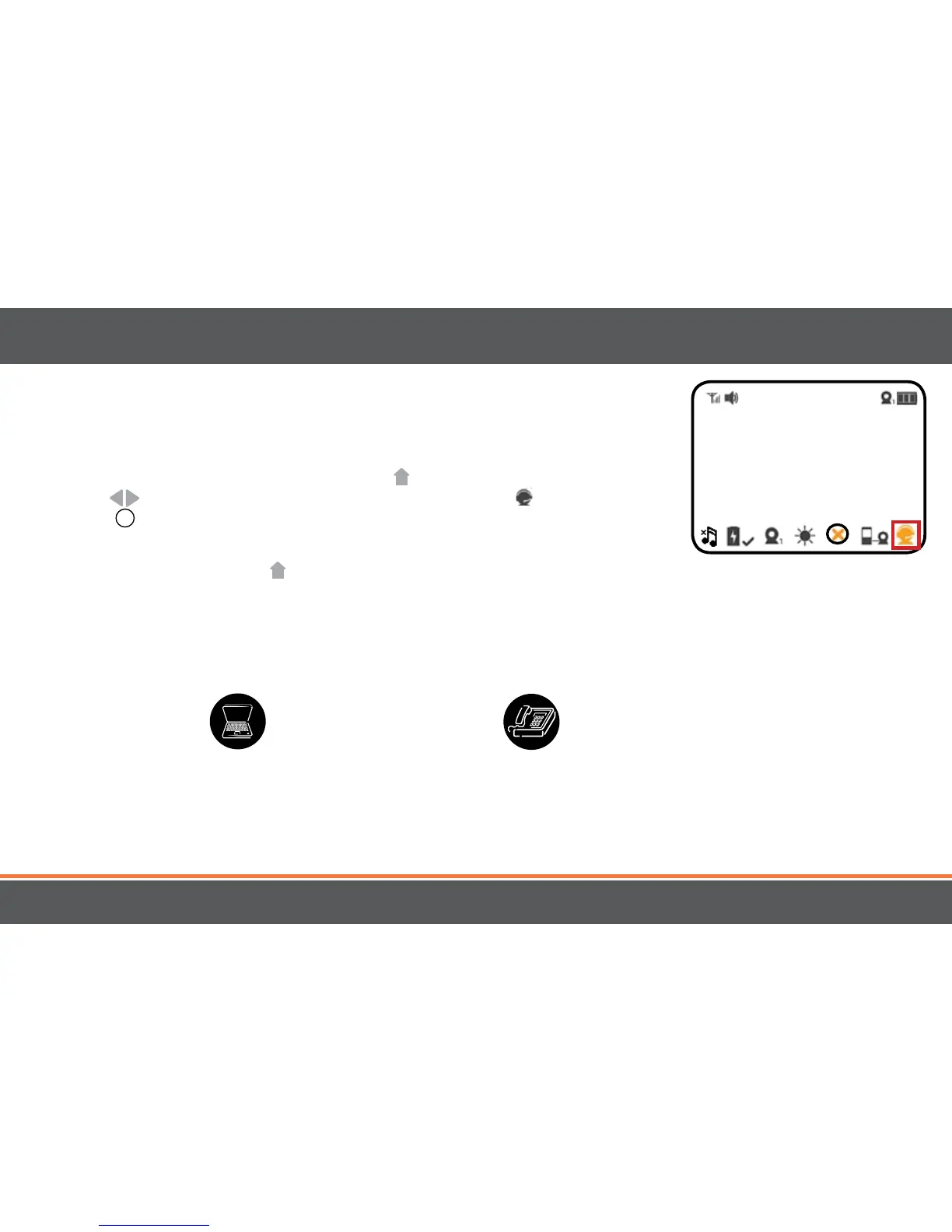
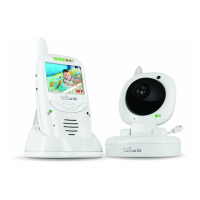
1. To access Customer Support, press the MENU
button. Using the navigational
arrows
on the front of the monitor, highlight the SUPPORT icon press the
SELECT
+
button once to select.
2. This will take you to the screen which displays our telephone number, email address
and website. Press the MENU
button once to EXIT the Customer Support screen.
Telephone:
1.866.946.7828
1.905.353.0732
Onlinelivewebchat:
Visit www.myLEVANA.com
Email:
support@myLEVANA.com
19
OPERATION



 To Next Page