mylevana.com
Volume
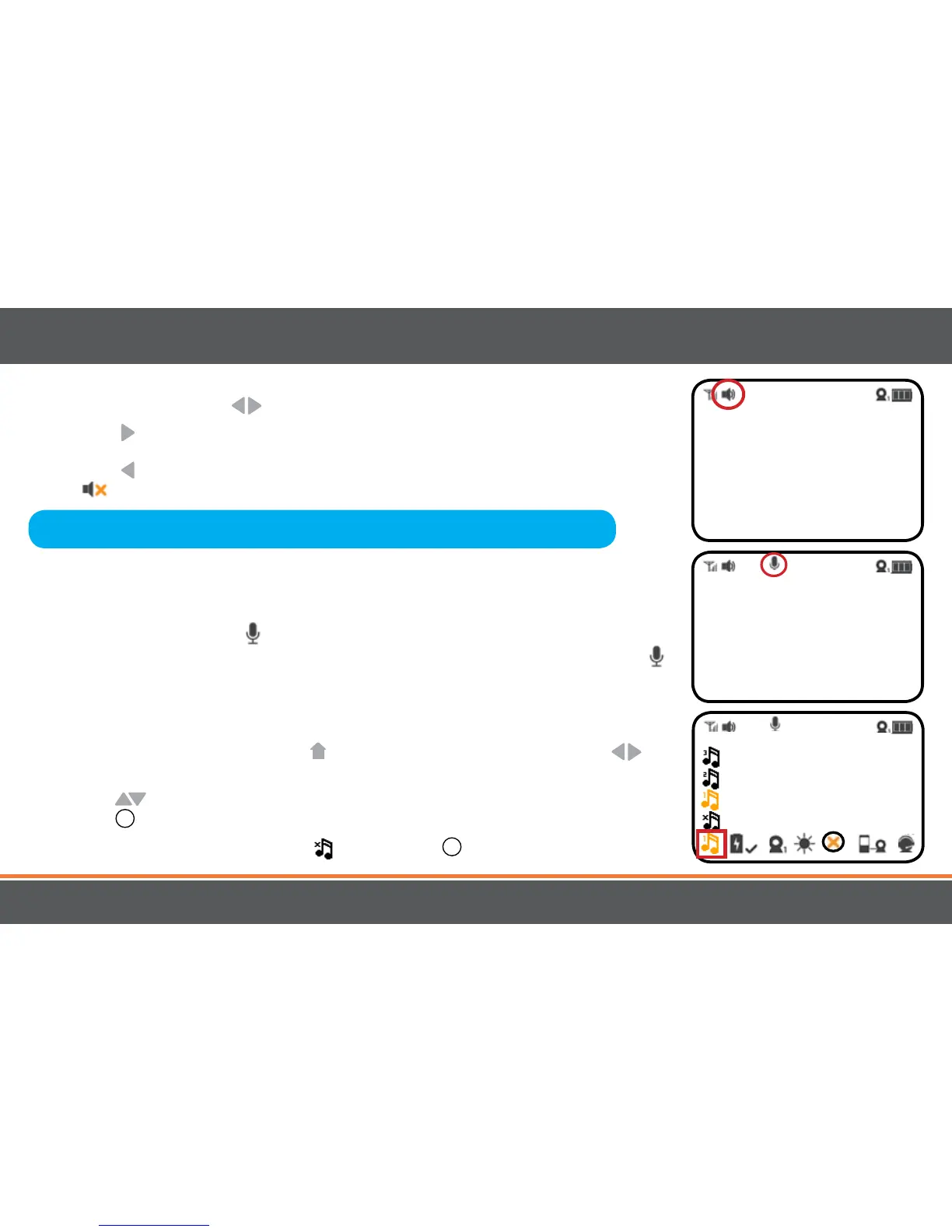
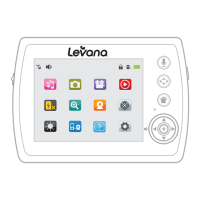
Use the navigational arrows to increase /decrease /mute the VOLUME.
• Press the button to INCREASE the volume in LIVE VIEW; the VOLUME icon will
display the volume level in the top left corner of the screen.
• Press the button to DECREASE the volume; to MUTE, decrease the volume until
the icon appears in the top left corner of the screen.
UsingtheTalktoBaby™Two-WayIntercom
With the simple press of a button you can talk to your child at any time without entering
the nursery.
1. To talk, press and hold the
button on the front of the monitor and release to listen.
2. To talk when using multiple cameras, select the camera in the MENU and press the
button, release to listen.
Settingalullaby
Choose from three dierent lullabies to soothe your baby to sleep.
1. To select a lullaby, press the MENU
button. Using the navigational arrows on
the front of the monitor, highlight the LULLABY icon.
2. Use the
to toggle to select the LULLABY icon of your choice and press the
SELECT
+
button once to select.
3. To turn OFF the lullabies, select the
and press the
+
button once to select.
16
OPERATION
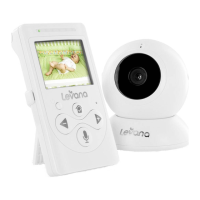
Note:Placingthemonitorandcameratooclosetogetherwillcreatefeedback.
DECREASEorMUTEthevolumeandmovethecameraawayfromthemonitor.



 To Next Page