mylevana.com
12
TurntheMONITORON/OFF
Pressandholdthe POWER
button on the side of the monitor to turn the monitor
ON. Pressandholdthe POWER
button again to turn OFF the monitor.
PairingtheCamera(s)andMonitor
The camera and monitor come paired (connected) to each other automatically.
However, if upon opening this package the devices do not automatically connect and
transmit, you may do so manually.
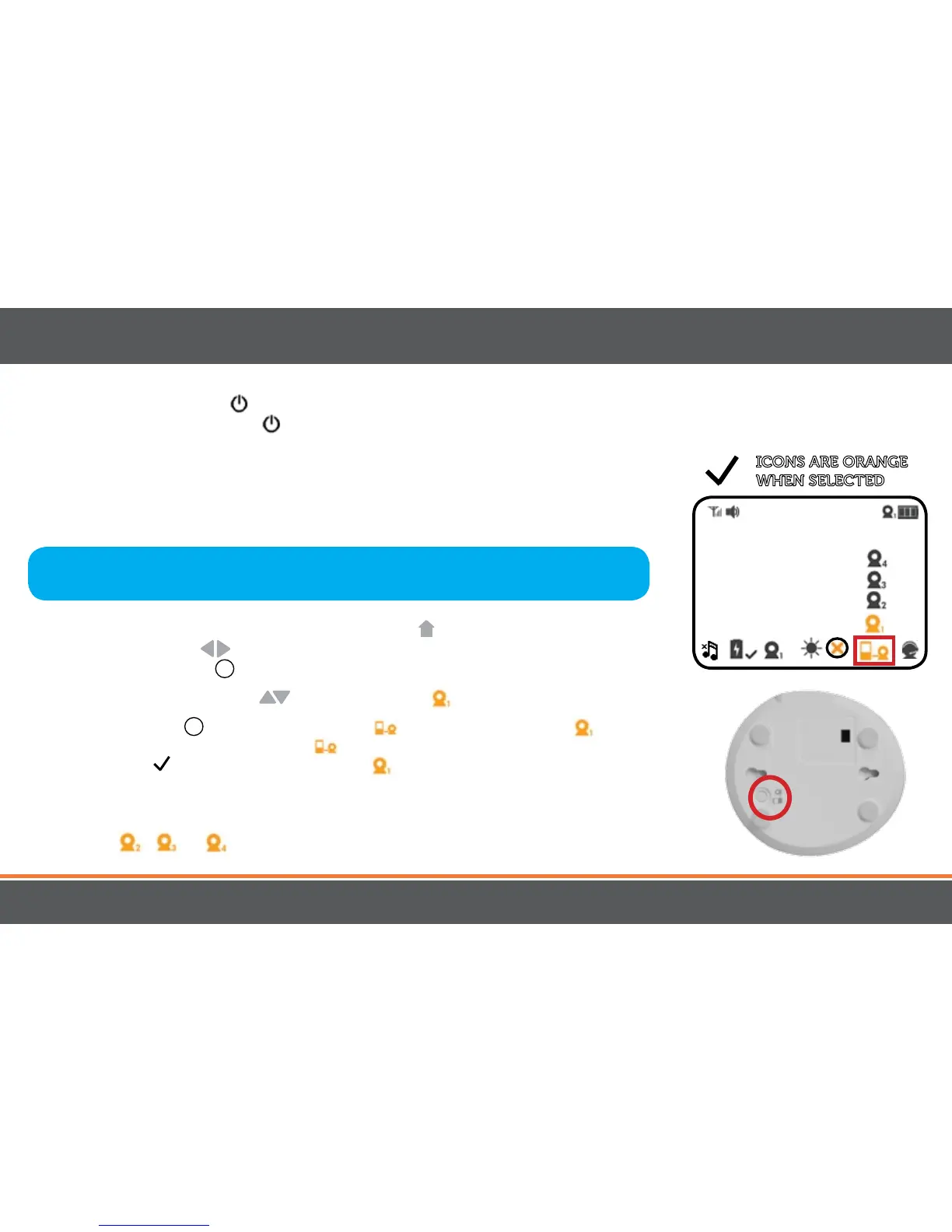
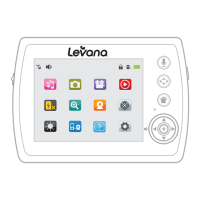
1. To pair your camera and monitor, press the MENU
button. Using the
navigational arrows
on the front of the monitor, highlight the PAIRING icon
and press the SELECT
+
button once to select.
2. Use the navigational arrows
to highlight the the icon.
3. Press the SELECT
+
button. When you see flashing next to camera icon,
quickly press and hold the PAIRING button on the BOTTOM of the camera.
A checkmark
will appear next to camera confirming pairing is successful.
Video/audio will be transmitted automatically.
4. To pair additional cameras, repeat steps 1 to 3 and be sure to select camera
number
, or in the Pairing menu when pairing each additional camera.
Note:Beforeyoubeginpairing,besuretohavethemonitorandthecamera(s)
side by side.
ICONS ARE ORANGE
WHENSELECTED
OPERATION


 To Next Page