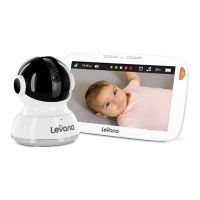
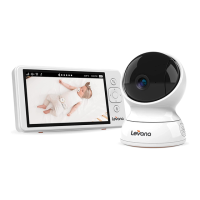
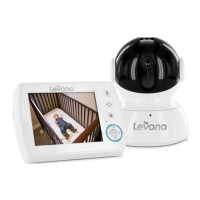
MONITOR BUTTONS AND FUNCTIONS
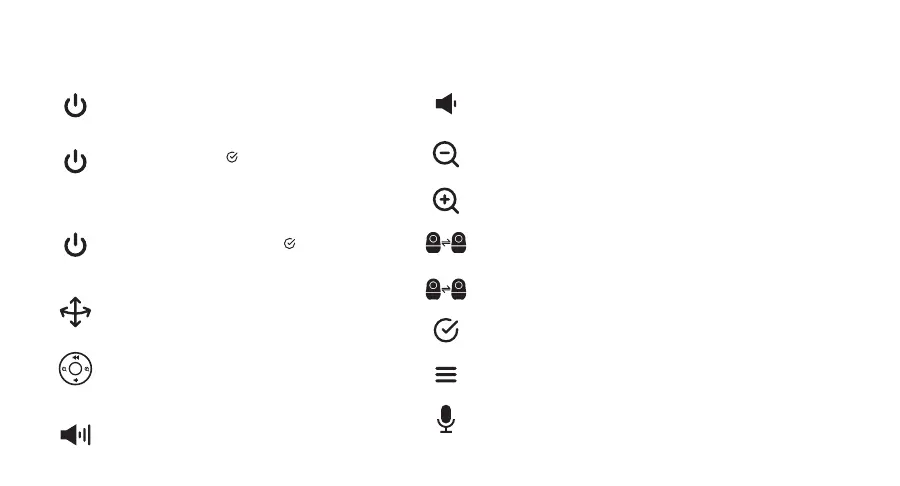
POWER ON/OFF - Press and hold (3s)
ENTER AUDIO ONLY MODE - With Voice Activated
mode o, quick press to activate audio only
mode. (No image will be displayed. Only audio will
be heard)
ENTER VOICE ACTIVATED MODE - With Voice
Activated mode on, quick press to activate voice
activated mode. (Screen will wake up when audio
is detected)
PAN/TILT - Press to enter Pan & Tilt Function.
PAN/TILT NAVIGATION - With Pan and Tilt function
activated, press and hold navigation buttons to
view 360°.
VOLUME UP - Press to increase volume and
navigate menu up.
VOLUME DOWN - Press to reduce volume and navigate menu
down.
ZOOM IN/RIGHT - Press to Zoom in and navigate menu right.
ZOOM OUT/LEFT - Press to Zoom out and navigate menu left.
SEQUENCE MODE - Long press (3s) to enter/exit Sequence Mode.
ACTIVE CAMERA - Quick press to switch between cameras.
OK - Quick press within the menu.
MENU - Quick press to enter the menu.
TWO-WAY TALK - Long press to enable two-way talk.


 To Next Page