5.0 Product Registration—Portal
The Level Sense Pro is set up and managed via a cloud service called
Portal. To access the Level Sense Portal, you rst need to create an
account. With an account, you can claim your device, setup alarm
contacts and set alarms.
5.1 Create Portal Account
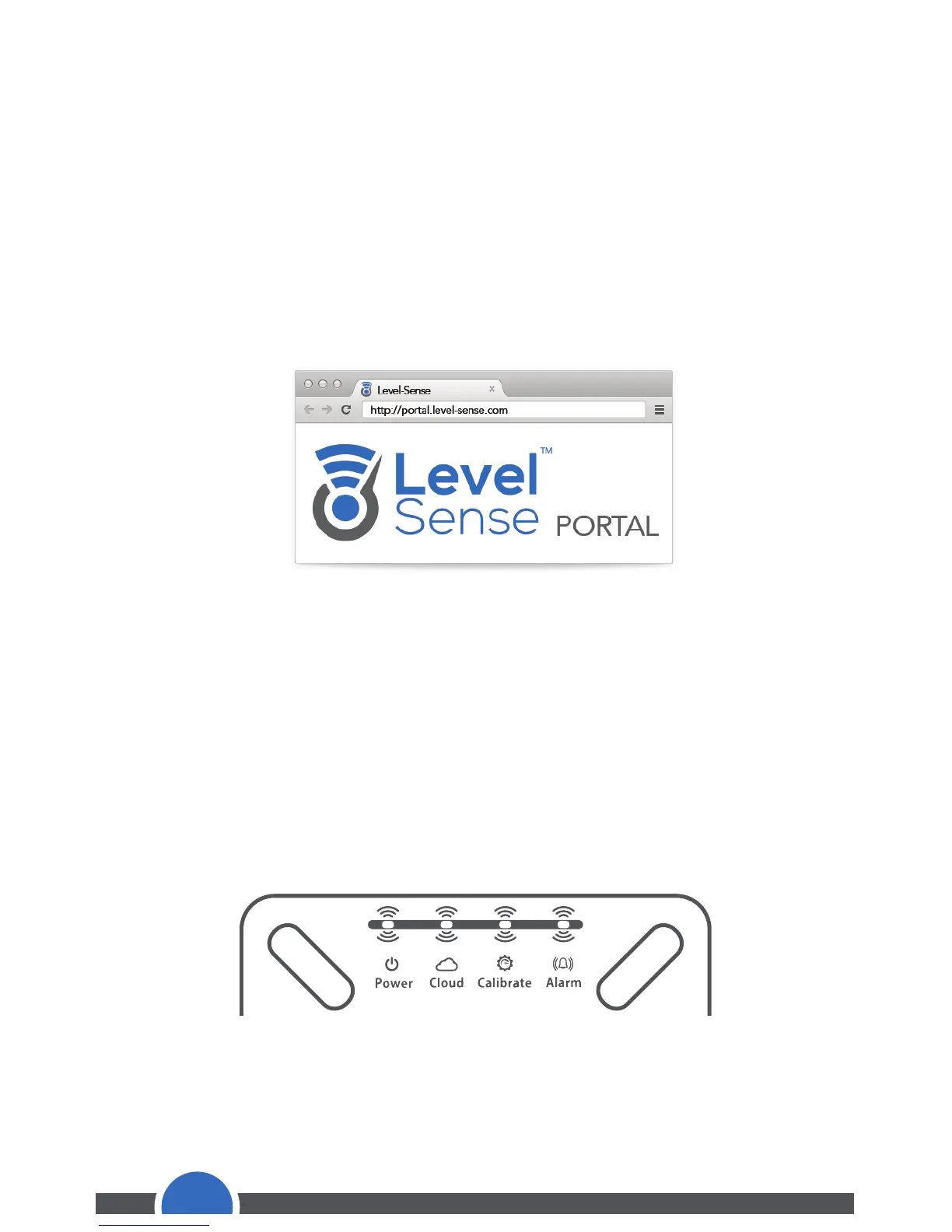
Using an internet browser, preferably on a laptop or desktop, navigate
to the Level Sense Portal: http://portal.level-sense.com
Within Portal, click “Register” to create an account. You will need to
provide a valid email address. Within 5 minutes of registration, you
will receive a conrmation email. If you have not received an email
please check your spam folder for an email from alarm@level-sense.com.
5.2 Claim Device
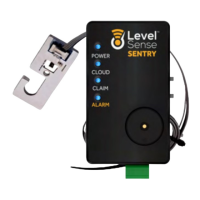
Once connected to Wi-Fi, the Level Sense Pro ashes a claim code
which is used to link the device to your account. The claim code is a
sequence of four unique colors.
After logging into Portal with your account, click “Claim.” Follow the
on screen instructions to enter your unique claim code.
12


 To Next Page