KVM-0850/1650 IP KVM switch
Scroll
Lock
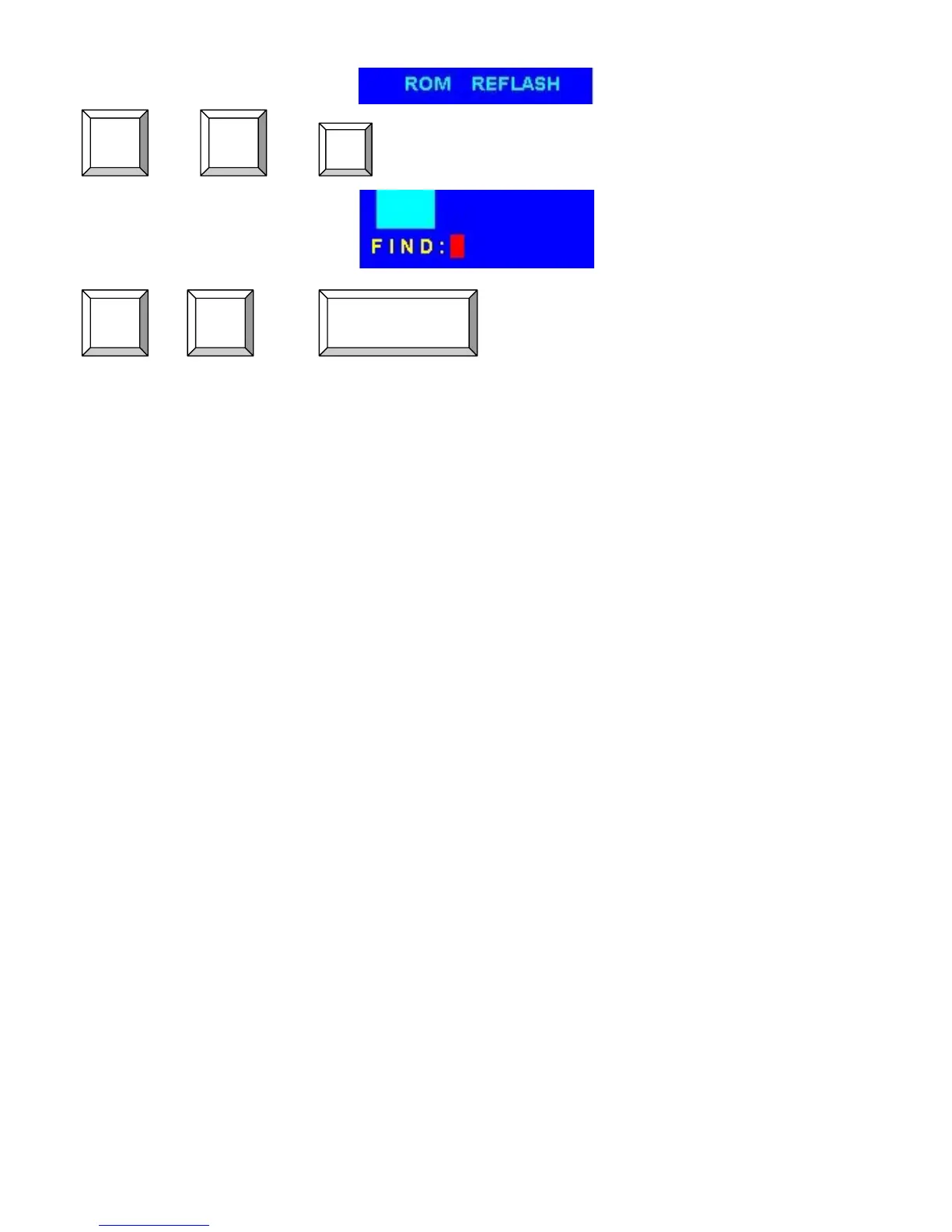
+ + = Search the same PC name
(Note: Search PC name starting from 1
st
PC port)
Scroll
Lock
F
+ + = On Screen Display Menu
Scroll
Lock
Scroll
Lock
SPACE BAR
5.2.1 Daisy Chain Connection Diagram
Please use the attached 3 feet 3-in-one daisy chain Cable Kit to daisy chain the KVM
Switch.
A. Connect Keyboard, Mouse and Monitor to the console port (white color block) of bank 1 KVM
switch.
B. Use one end of 3-in-one Cable Kit to connect the daisy chain port of bank 1 and the other end
for the console port (white color block) of bank 2 KVM switch.
C. Please repeat item B to daisy chain more bank as you want. But, the maximum daisy chain
bank is eight levels.
D. Before chaining the slave bank up to six banks, you need a VGA extender between the fifth
bank and the sixth bank to enhance the VGA signal.
(Note: If you would like to daisy chain 8 port and 16 port KVM Switch together, the master bank
must be 16 port KVM Switch)
24












 To Next Page