KVM-0850/1650 IP KVM switch
6.2.4 Options
Options
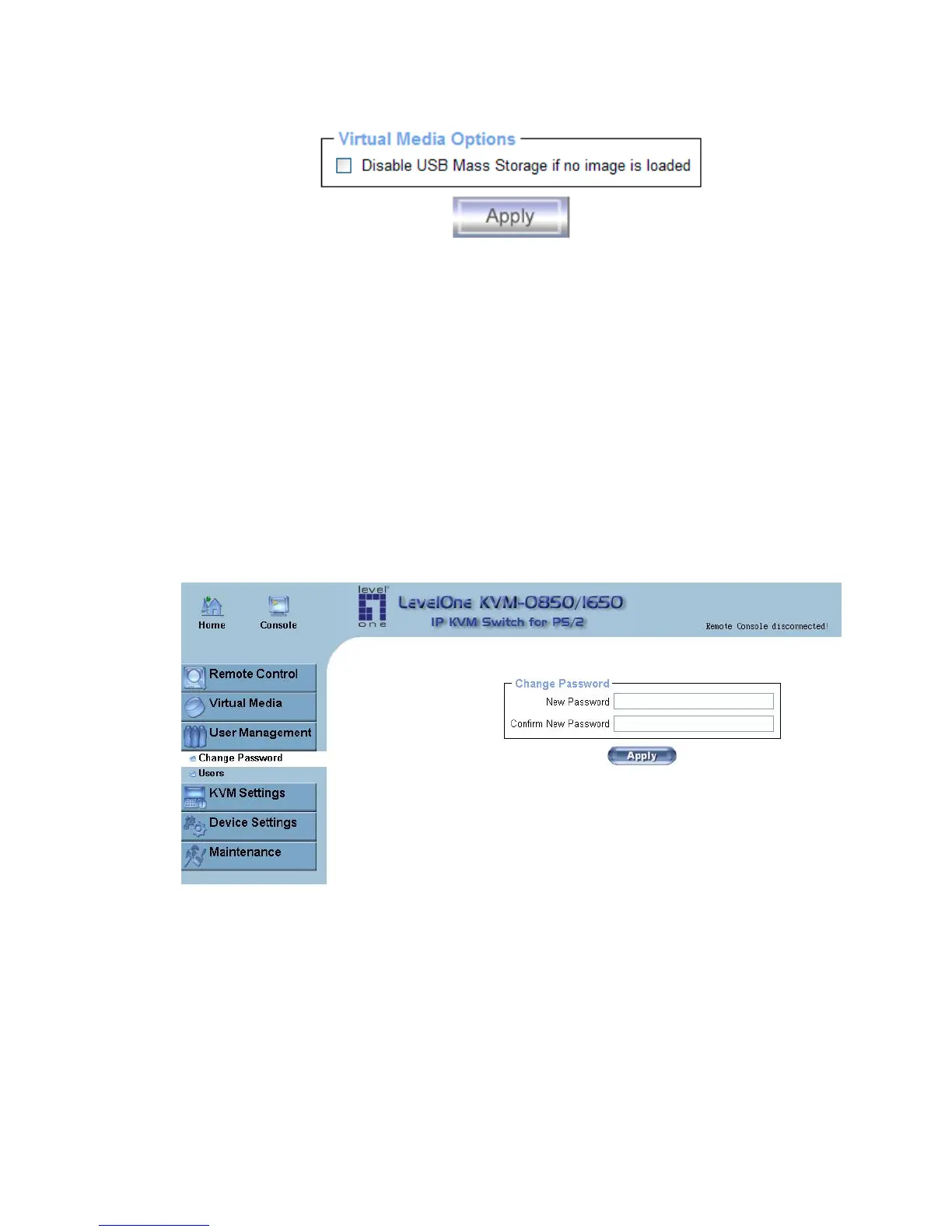
Set this option to disable the mass storage emulation (and hide the virtual drive) if no image
file is currently loaded. If disabled, no file image will be found. It may happen that the host
system will hang on boot due to changes in the boot order, or the boot manager (LILO,
GRUB). This case was reported for some Windows versions (2000, XP), other OS might not
be fully excluded. This behavior depends on the BIOS version used in that machine.
To set this option, press the button “Apply”
.
6.3 User Management
6.3.1 Change Password
Figure 6-12. Set password
To change your password, enter the new password in the upper entry field. Retype the
password in the filed below. Click “Apply” to submit your changes.
52












 To Next Page