KVM-0850/1650 IP KVM switch
After the OSD value restores to default setting, the bank seven segment LED on the front
panel will stop flashing
5.3 Login into the KVM-0850/1650 and logout
5.3.1 Login into the KVM-0850/1650
Launch your web browser. Direct it to the address of your KVM-0850/1650, which you
configured during the installation process. The address might be a plain IP address or a
host/domain name, in case you had given your KVM-0850/1650 a symbolic name in the DNS.
For instance, type the following strings in the address line of your browser when establishing
an unsecured connection:
http://<IP address of PS/2 IP-KVM>
When using a secure connection, type in:
https://<IP address of PS/2 IP-KVM>
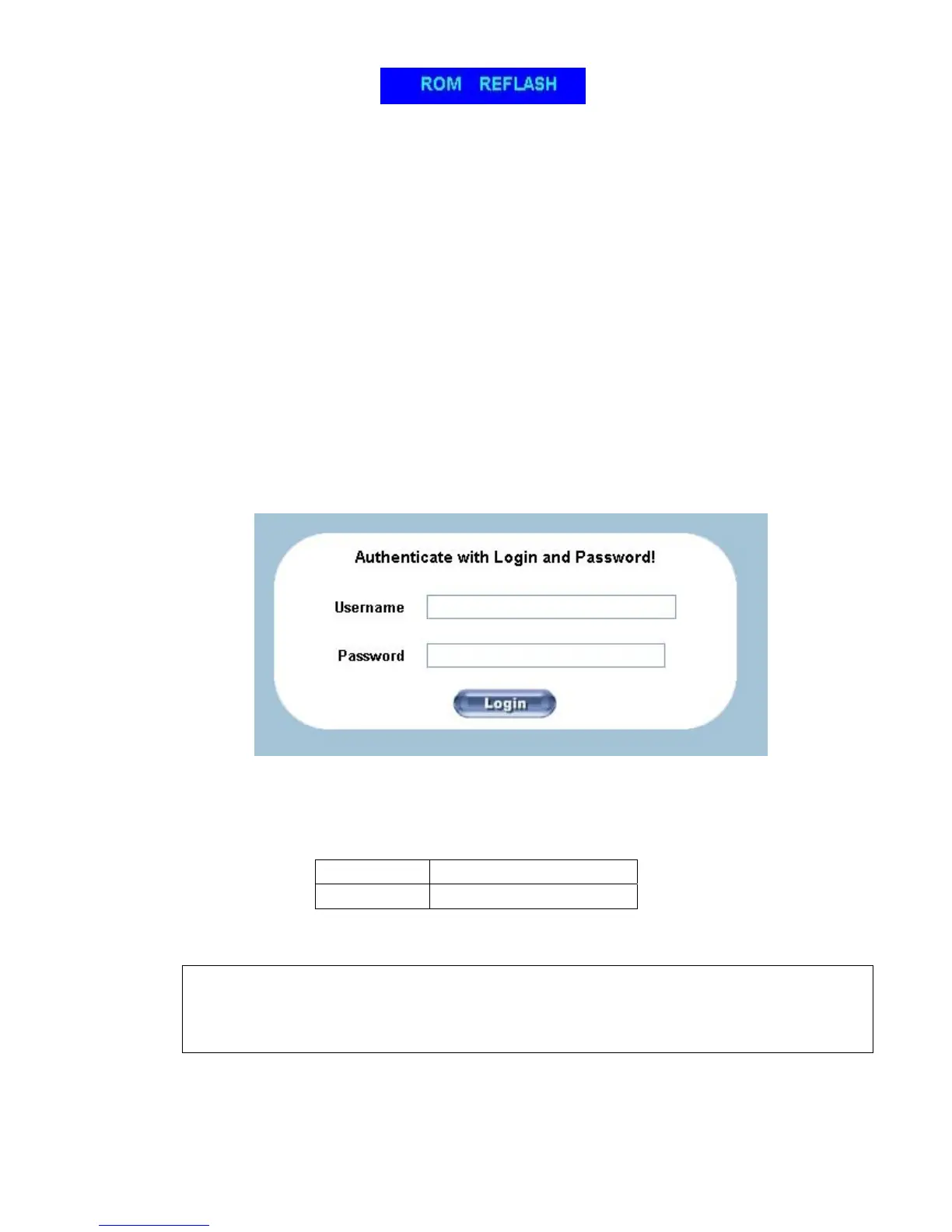
This will lead you to the KVM-0850/1650 login page as shown in
Figure 5-3.
Figure 5-3. Login screen
The KVM-0850/1650 has a built-in super user that has all permissions to administrate your
KVM-0850/1650:
Login name
super (factory default)
Password
pass (factory default)
Table 5-1. Standard user settings
Warning
The user “super” is not allowed to login via the serial interface of the
KVM-0850/1650.
28











 To Next Page