KVM-0850/1650 IP KVM switch
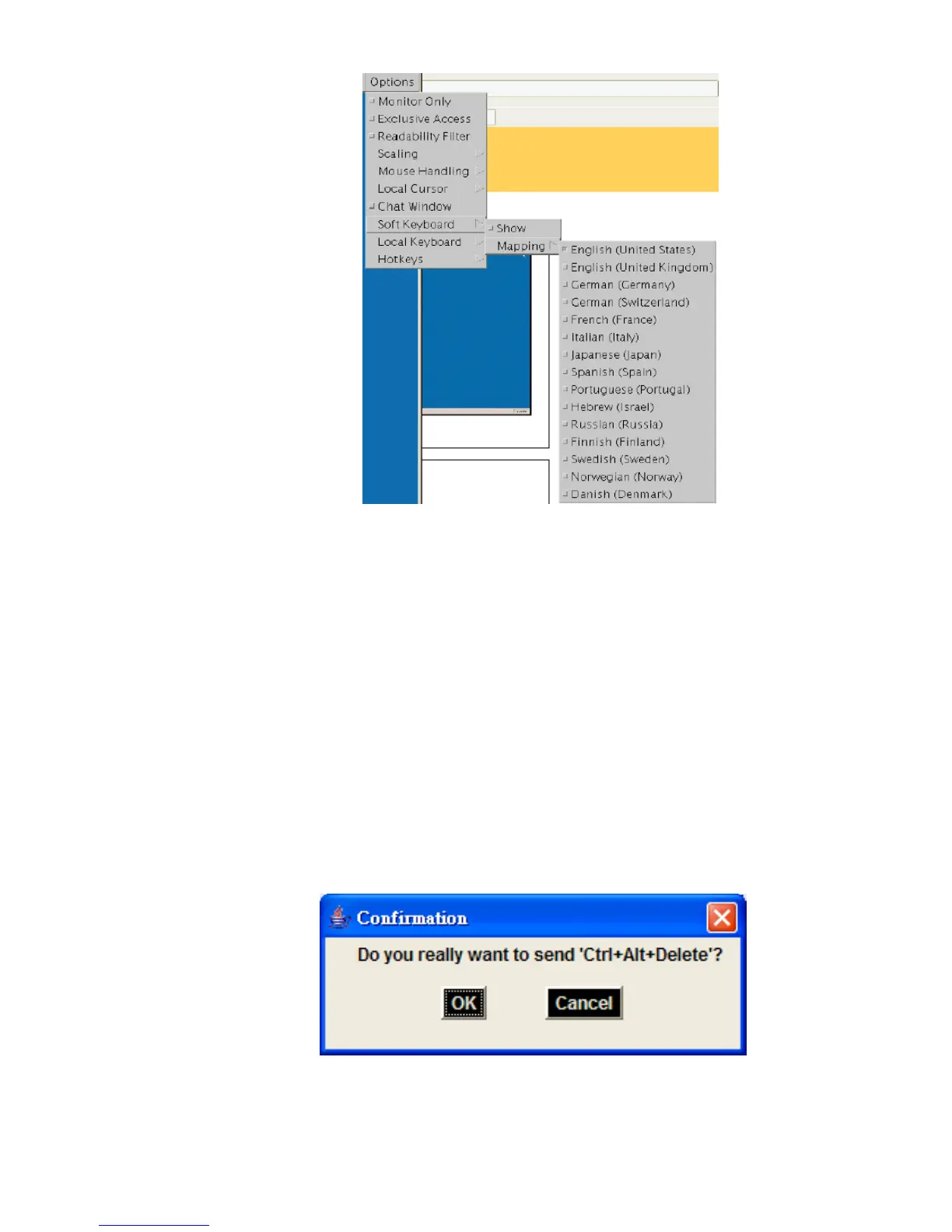
Figure 5-13. Soft Keyboard Mapping
• Local Keyboard
Used to change the language mapping of your browser machine running the Remote
Console Applet. Normally, the applet determines the correct value automatically.
However, depending on your particular JVM and your browser settings this is not
always possible. A typical example is a German localized system that uses an
US-English keyboard mapping. In this case you have to change the Local Keyboard
setting to the right language, manually.
• Hotkeys
Opens a list of hotkeys defined before. Choose one entry, the command will be sent to
the host system.
A confirmation dialog can be added that will be displayed before sending the selected
command to the remote host. Select “OK” to perform the command on the remote host.
Figure 5-14. Remote Console Confirmation Dialog
37












 To Next Page