Check your package contents
One FCS-1030 IP Network Camera
One Camera Stand
One Power Adapter
One Software CD
One Ethernet Cable
Install the camera into the network
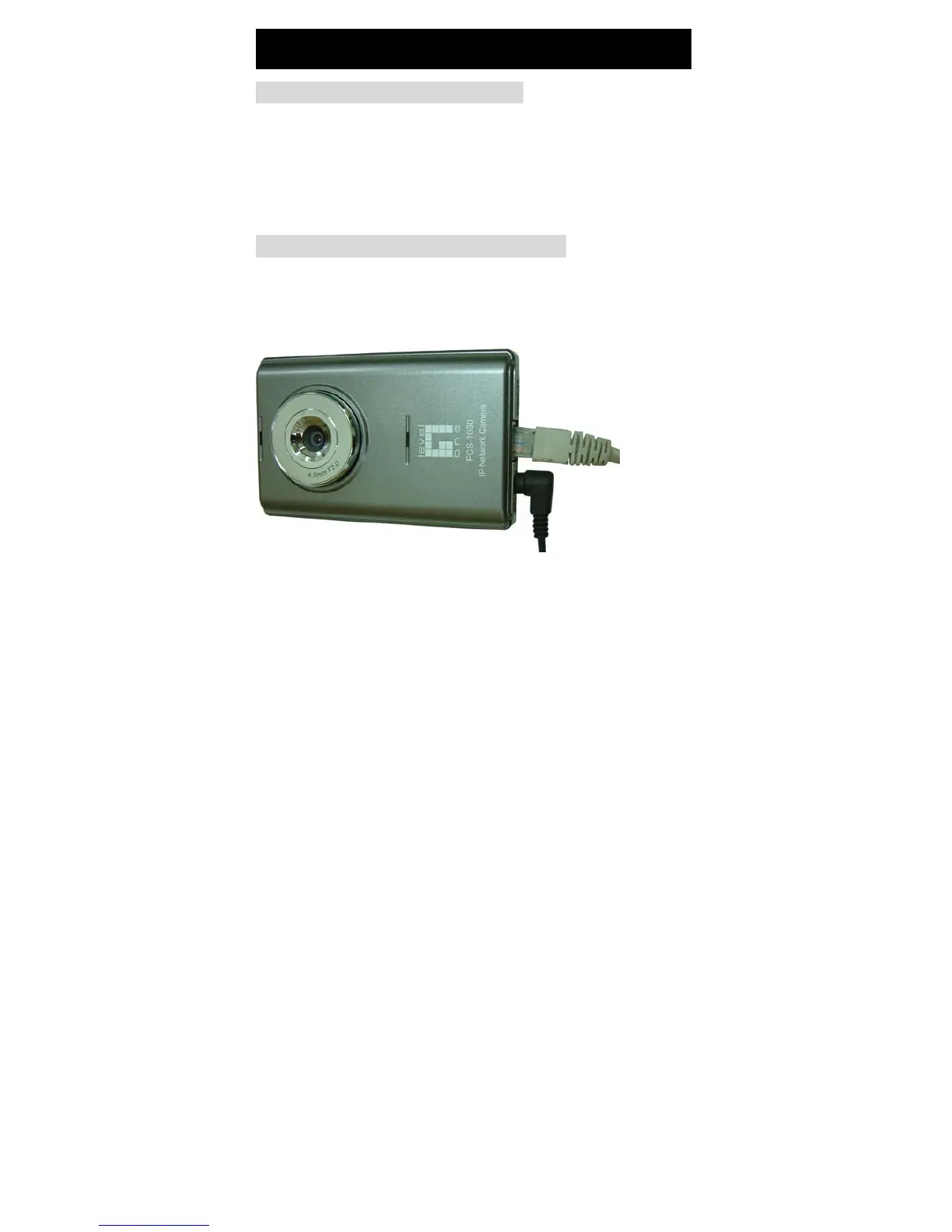
Connects the Ethernet cable from RJ-45 socket to a router, a switch,
a Hub or a PC.
Connects the power adapter to the power socket of the FCS-1030 IP
Network Camera and plug the power adapter to the power outlet.
English


 To Next Page
 Loading...







