Manual Setup
When you select one device in the selection list, the “Manual Setup”
button will be enabled. Click on it to modify the settings of the selected
device. After clicked on the “Manual Setup” button, Installation Wizard
would try to connect to the selected device.
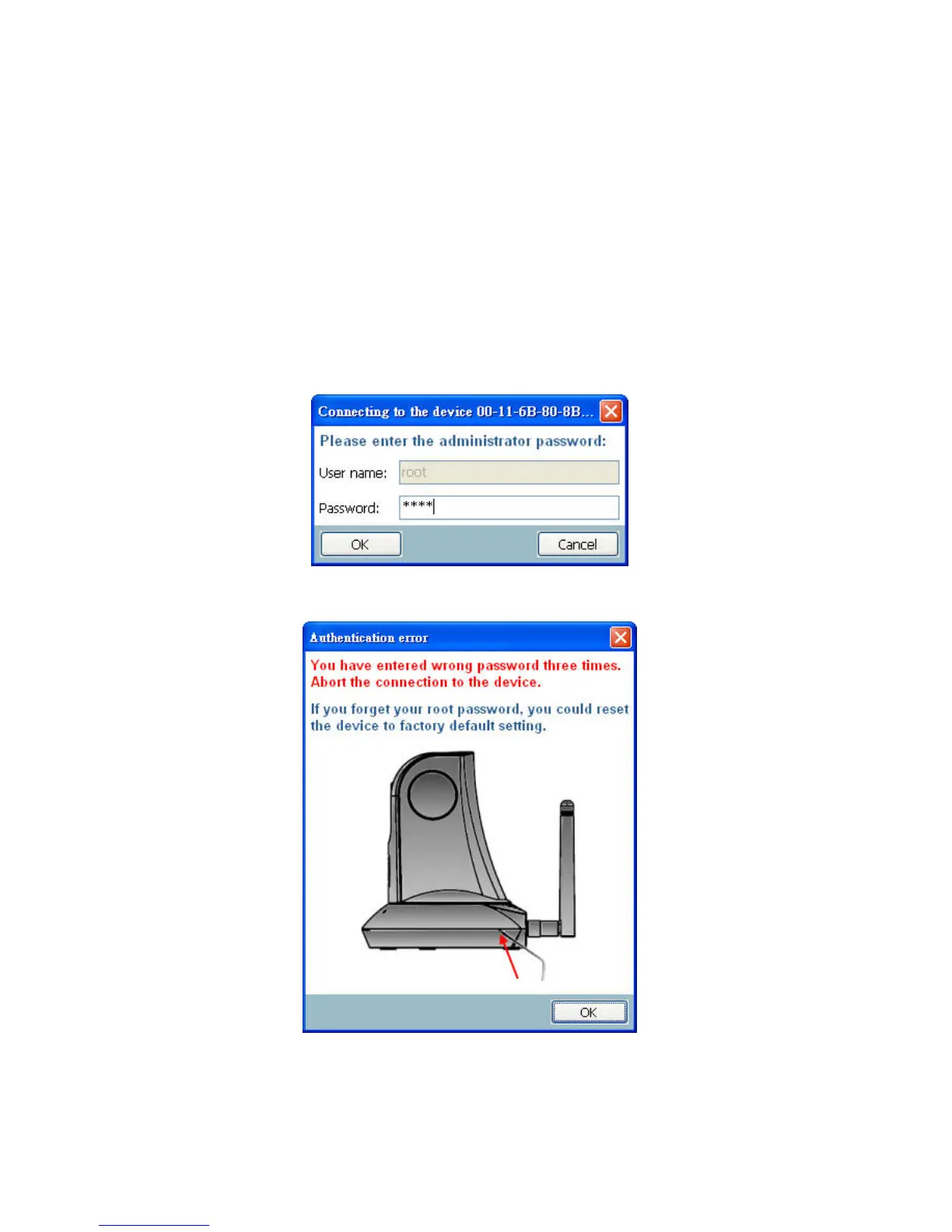
The default Administrator’s password is blank and the Network Camera
initially will not ask for any password. If the authentication is failed, there
would be a pop-up dialog window to ask for correct password. If you failed
three times, the Installation Wizard would show you a warning dialog window
and abort the connecting to the selected device.
Authentication Dialog Window
Authentication error















 To Next Page