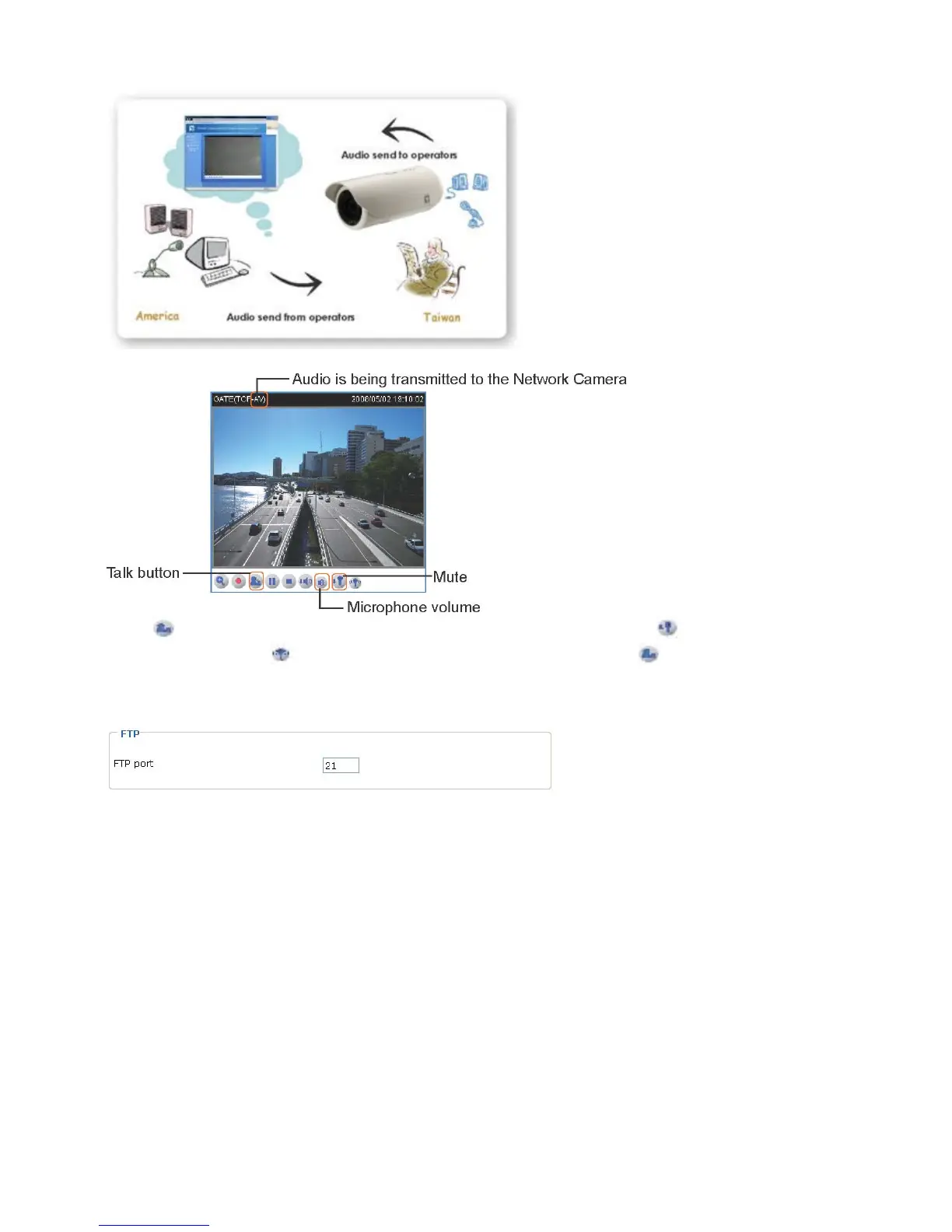
Click to enable audio transmission to the Network Camera; click to adjust the volume
of microphone; click to turn off the audio. To stop talking, click again.
FTP
The FTP server allows the Network Camera to utilize LEVELONE Installation Wizard 2 to
upgrade firmware. By default, the FTP port is set to 21. Also, it can be assigned with another
port number between 1025 and 65535.















 To Next Page