Sensor Settings
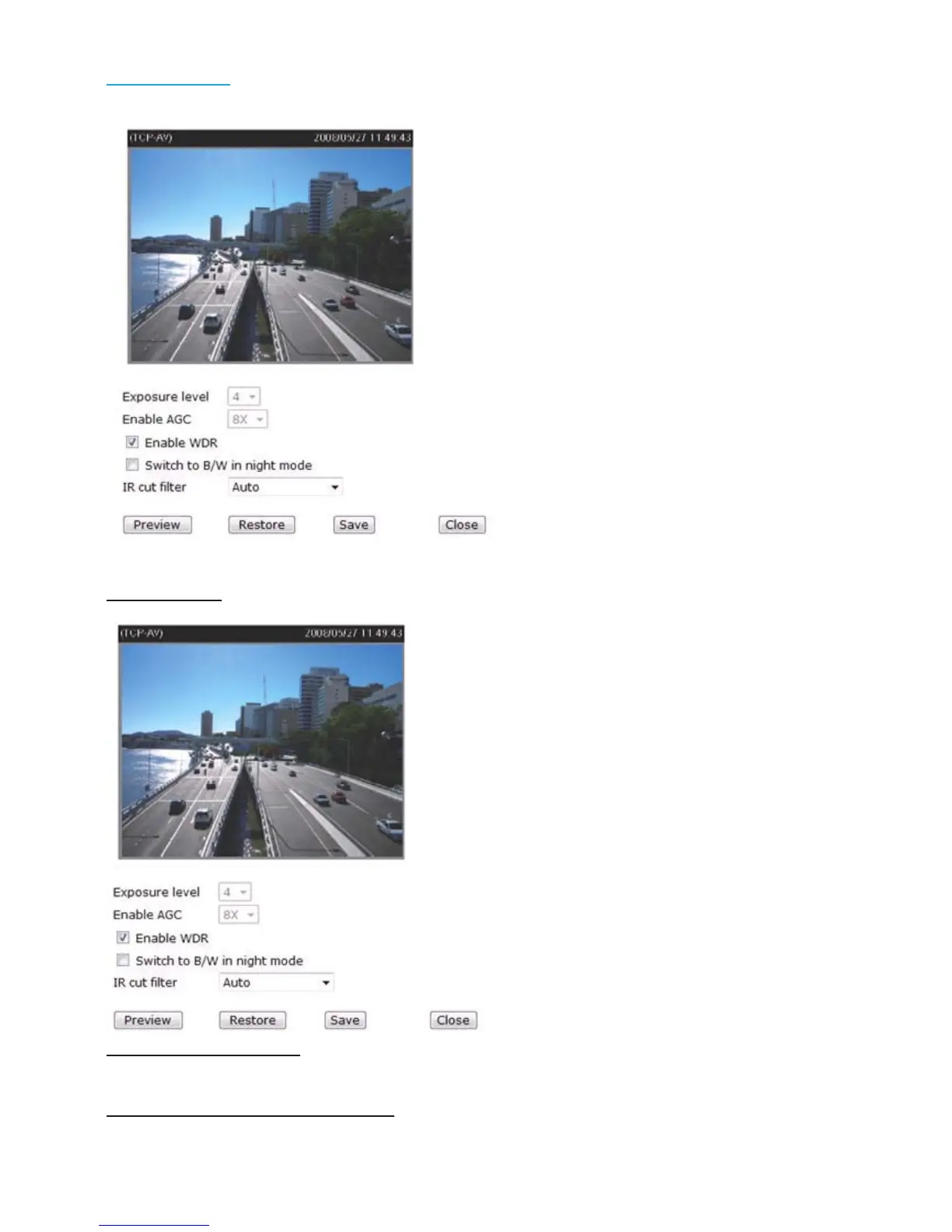
Click Sensor Settings to open the Sensor Settings page. In this page, you can set the exposure
level, AGC, WDR (Wide Dynamic Range), night mode, and IR cut filter.
Exposure level:
You can manually set up the Exposure level, which ranges from 1 to 8. The default value is 4.
AGC (Auto Gain Control):
You can manually set up the AGC level (2X, 4X, or 8X). The default value is 4X.
Enable WDR (Wide Dynamic Range)
:
Select it to enable the WDR function. This Network Camera with WDR feature can cope with
very challenging lighting conditions. It is capable of capturing both of the dark part and bright
part of a target and combining the differences into a scene to generate a highly realistic image
as the human eyes can see. Note that if you select this function, Exposure level and AGC
function will be disabled.















 To Next Page