Network Camera User’s Manual
40/56
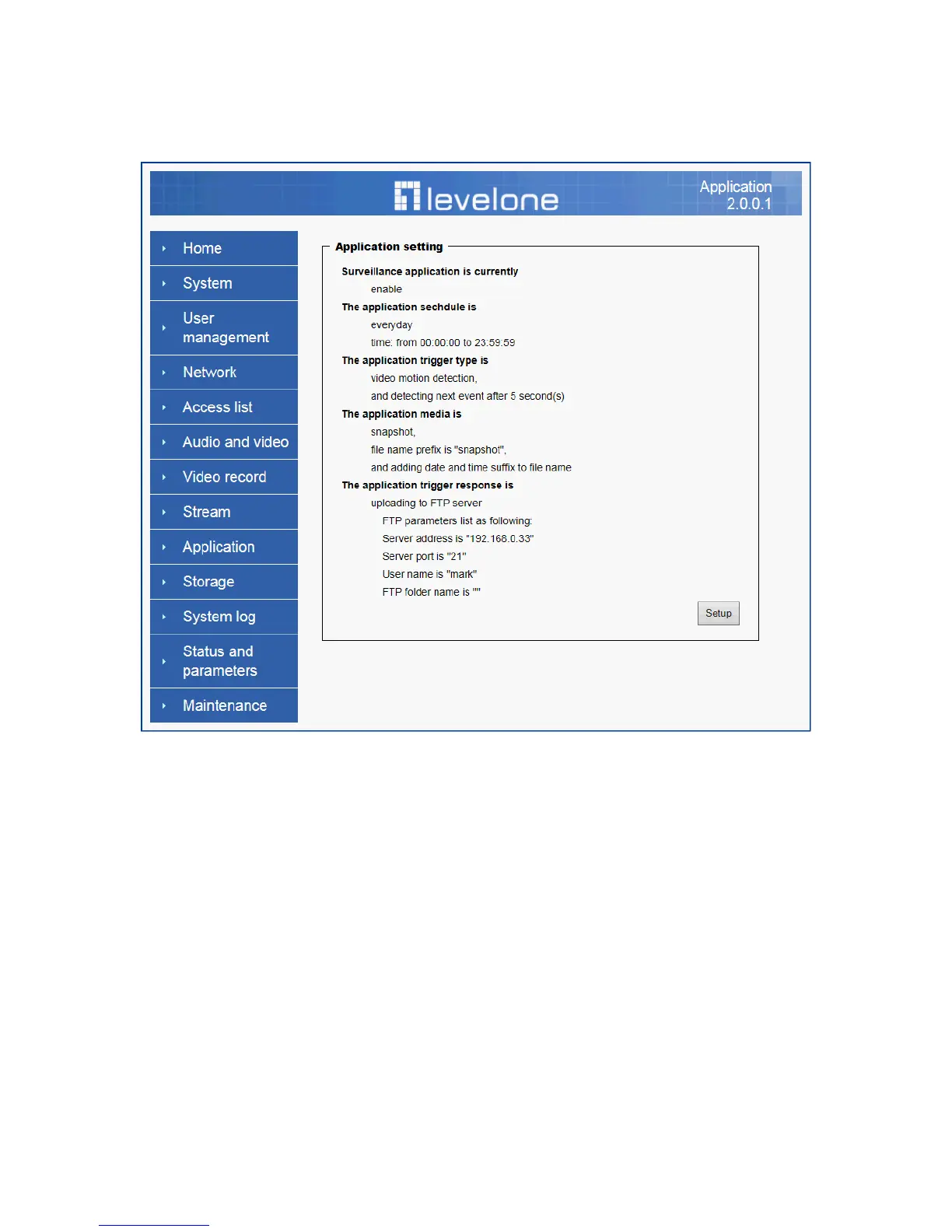
Application
Schedule mode
(1) “Every day” Enable/Disable every day application.
(2) “Week day” Enable/Disable week day application.
(3) “Selected day” Enable/Disable selected day application.
Schedule information
(1) Enter the “Start time” and “Stop time” for day mode.
Note that the time format is [hh:mm:ss] and is expressed in 24-hour clock time. By
default, the start and end time of day mode are set to 01:00:00 and 23:59:59.
(2) “Sun”/“Mon”/“Tue”/“Wed”/“Thu”/“Fri”/“Sat” Select the days of the
week to perform the application.
(3) “Start day” and “Start time” as the start timing the time. “End day” and
“End time” as the end timing the time
Trigger mode
(1) “Video motion detection” Enable/Disable video motion application
(2) “Periodically” This option allows the Network Camera to trigger
periodically for every other defined minute.















 To Next Page