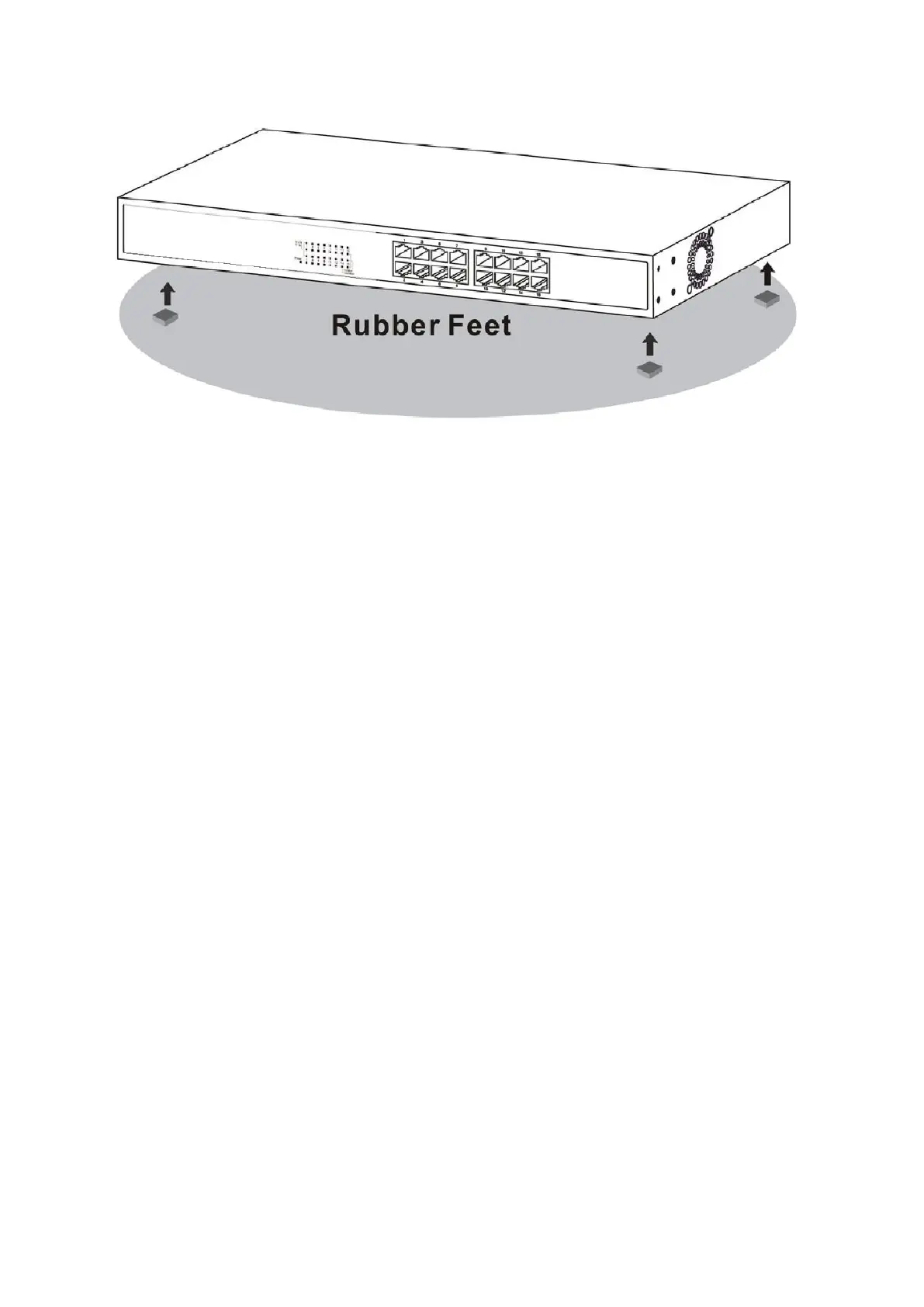
Attaching the Rubber Feet
3. Connecting the switch
Cable Quality
For all connections to the Switch, use these rules to determine the Cable quality.
For connections to 10BASE-T and 100BASE-TX devices, use Category 5 or 5e
UTP/STP cable.
3.1 Switch to End Node or Server
End nodes include PCs outfitted with a 10, 100 Mbps RJ-45 Ethernet/Fast Ethernet
Network Interface Card (NIC) and Ethernet ready routers. Use standard Ethernet cable to
connect the Switch to end nodes. Switch ports will automatically adjust to the hardware
characteristics (MDI-II/MDI-X, speed, duplex) of the device to which it is connected. Switch
connected to an end node
NOTE: UTP (Unshielded Twisted Pair) Ethernet cabling is adequate for
most small office environments. More expensive STP (Shielded Twisted
Pair) can also be used, but is generally only needed where there will be
risk of strong Electromagnetic of Radio Frequency Interference.















 To Next Page